Safous Agent
The Safous Agent needs to be downloaded and installed on the user's local PC, laptop, or desktop to access network-based applications in your environment. In short, the functionality of the Safous Agent is similar to a client-based VPN agent that connects the local machine to a specific network but with more control.
Requirements
To download and use the agent, a user need to be
- Already enrolled the MFA and can login properly
- Authorized by policies to access a network app
Please also take note of the OS requirements to download and install the agent:
- macOS: version 10.14 or newer
- Windows: version 7 SP1 or newer
- Ubuntu/Debian: version 18.04 or newer
Agent Installation
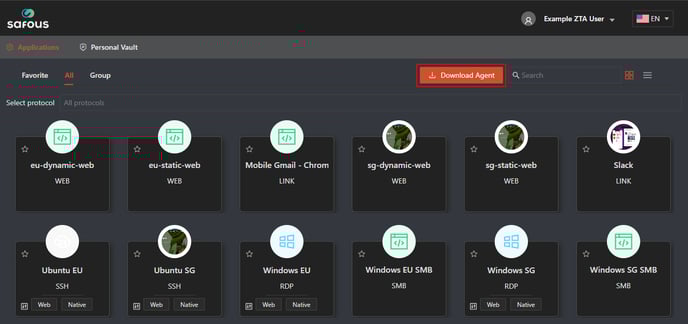
Once the user logs in to the user portal, they can download the agent by clicking "Download Agent."
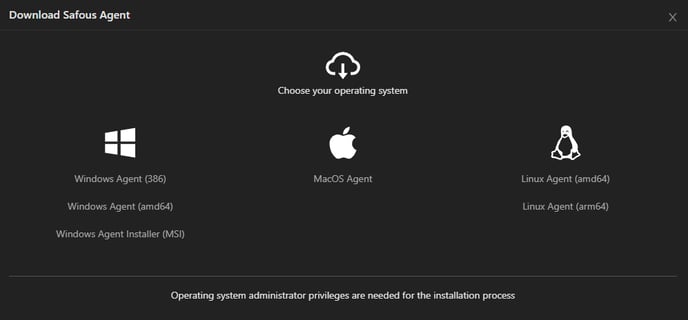
There are several types of Agent:
- Windows Portable Agent (x86 & amd64)
- Windows Agent Installer (MSI)
- MacOS Agent
- Linux Agent (amd64 & arm64)