Accessing User Portal
Open User Portal URL in your web browser based on the delivery information that you got from Safous representative or system, which the URL will be like https://users.tenant.ztna.safous.com or https://users.tenant.ztna.safous.cn depending which domain your environment you are using. Then your web browser will show you this login web page:
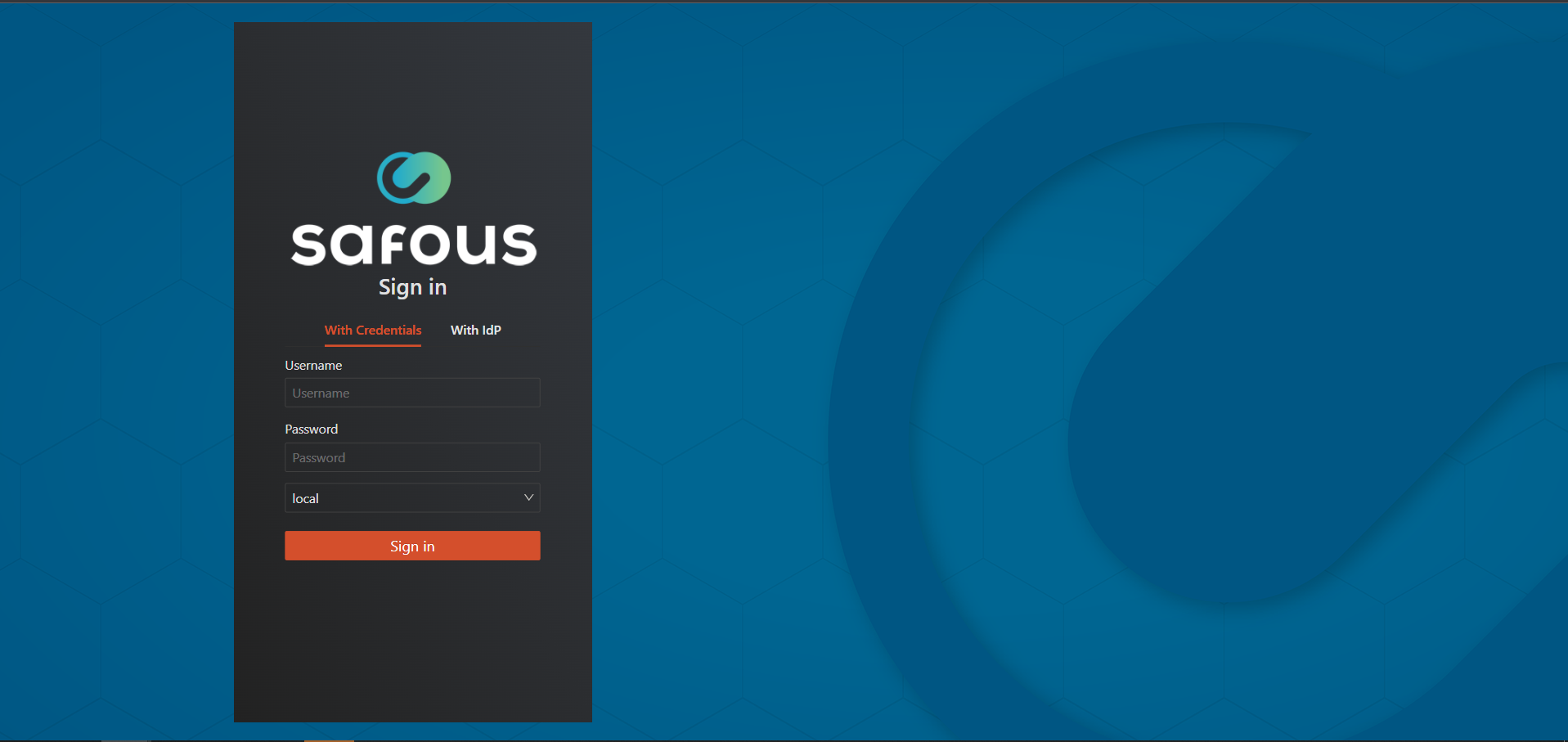
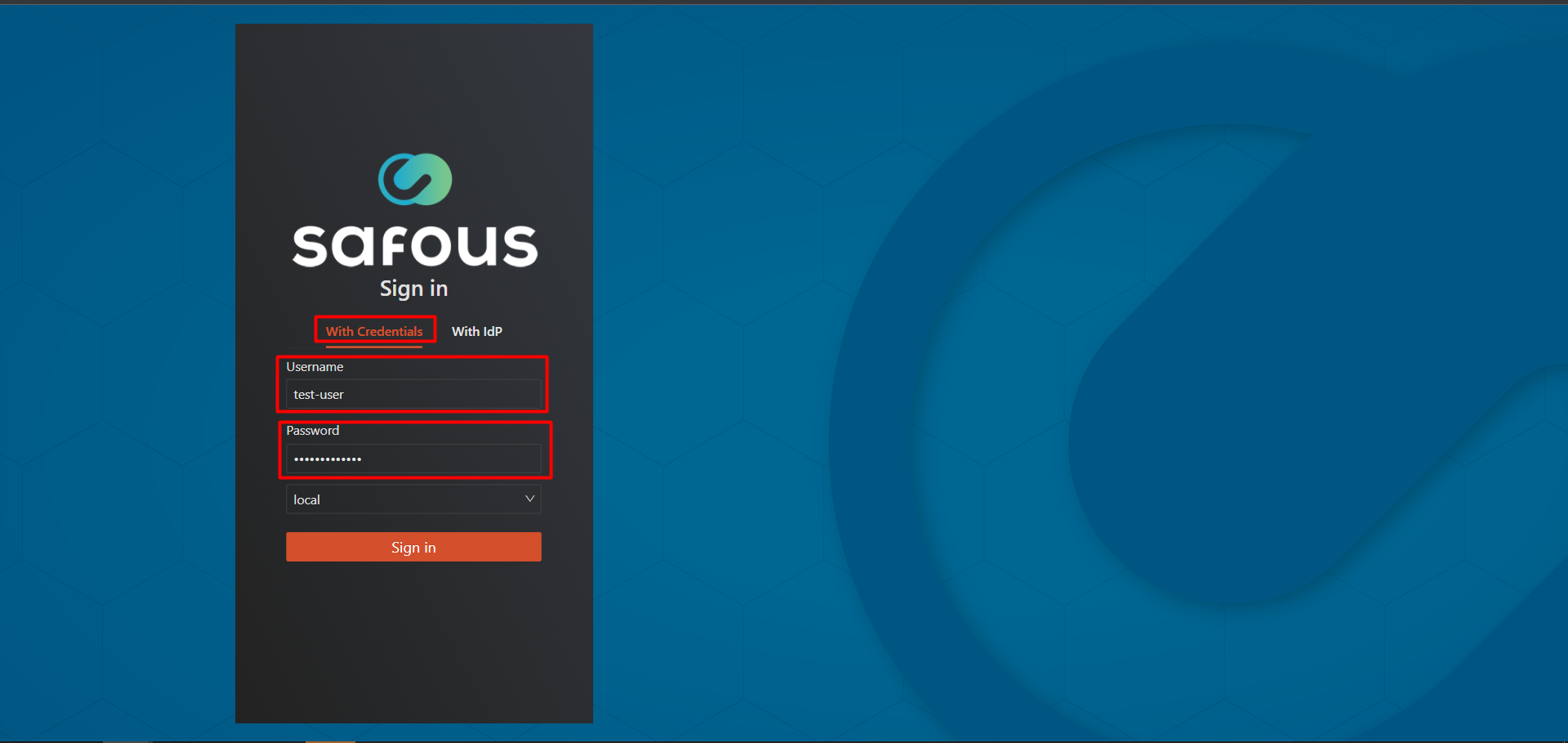
To be able to login to the user portal, a user must be created by the admin in admin portal. Click on With Credential and fill the form consisting of Username and Password with the correct user credential.
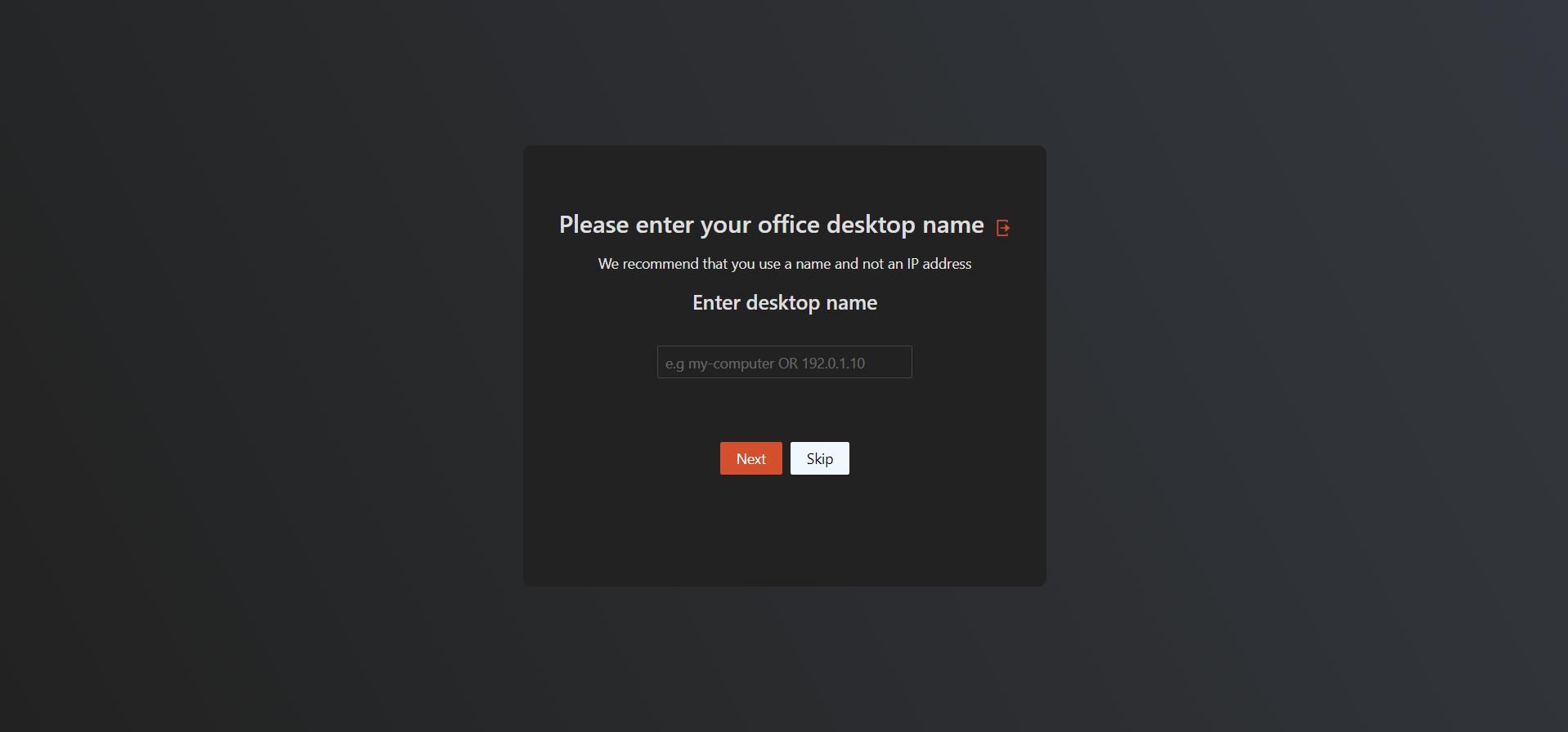
Once the correct user and password have been filled, you will be asked to enter your office desktop name to be able to access Personal Desktop feature. Filling the information in this page is optional, so you could fill it or just skip it.
This will only be asked for each new enrollment process, which includes:
- First time enrollment
- Reset enrollment
Subsequent access to the user portal won't be asked.
If a user decides to skip filling this info, and they later want to use personal desktop feature, the admin can edit the user's profile in admin portal to add their personal desktop info.
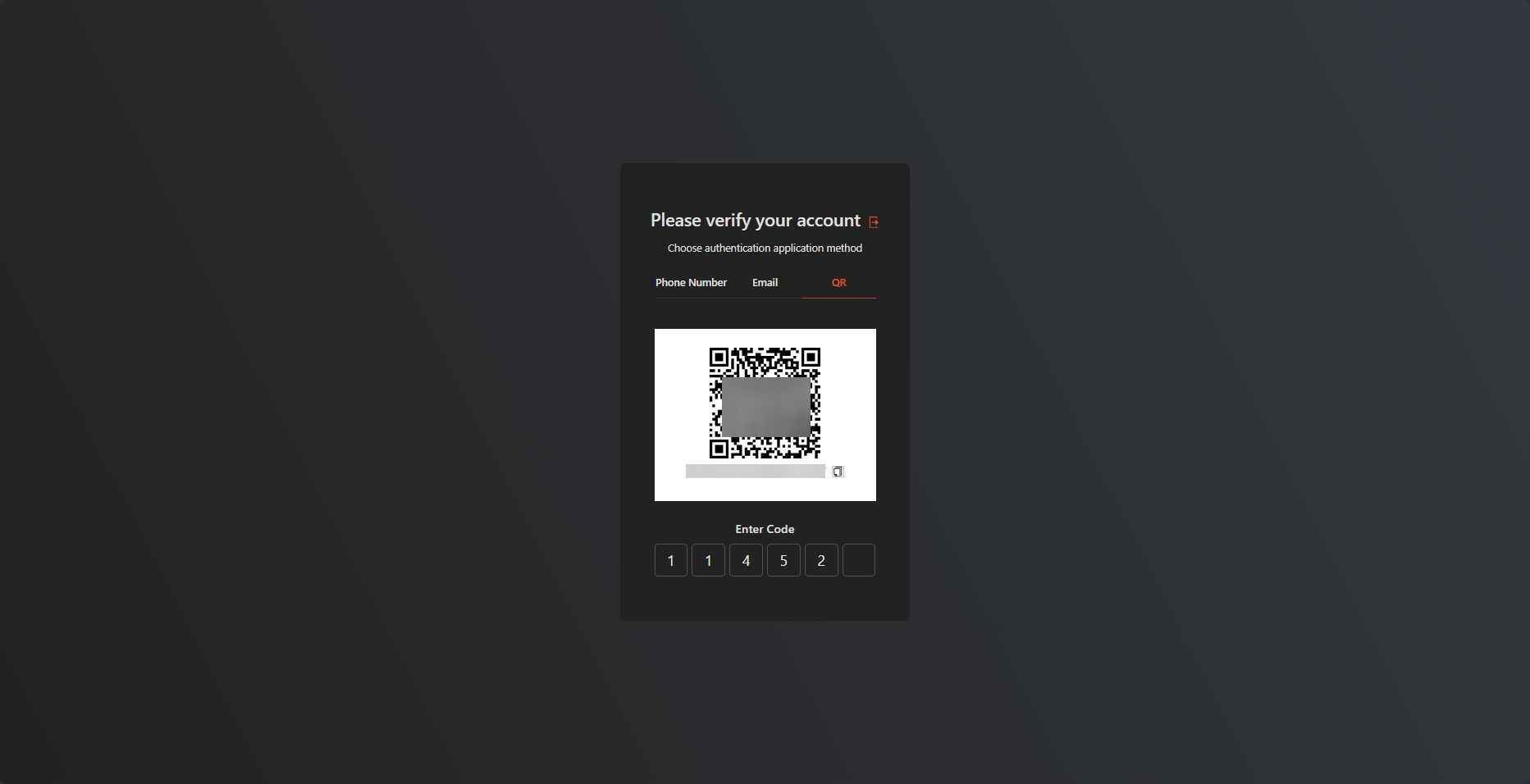
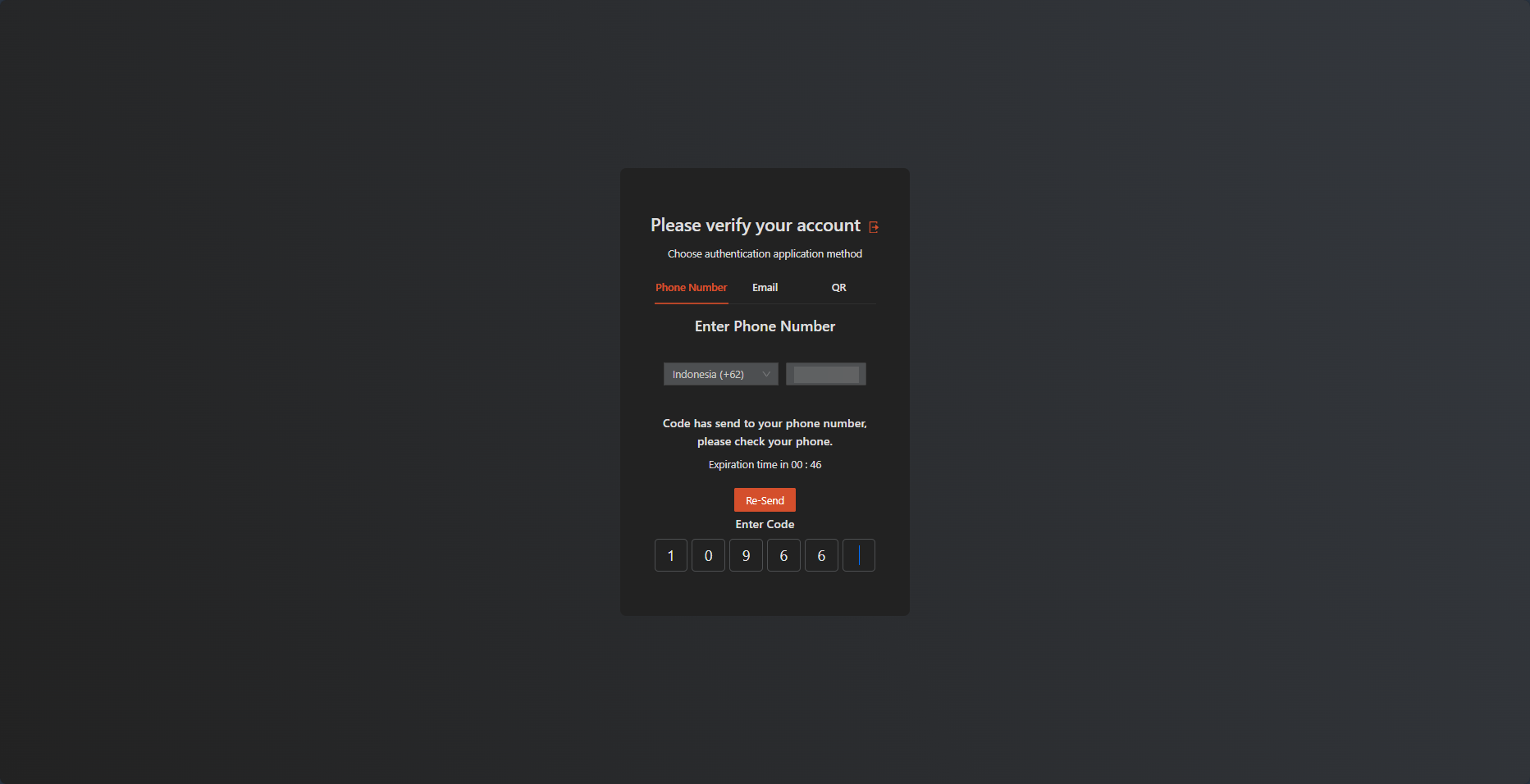
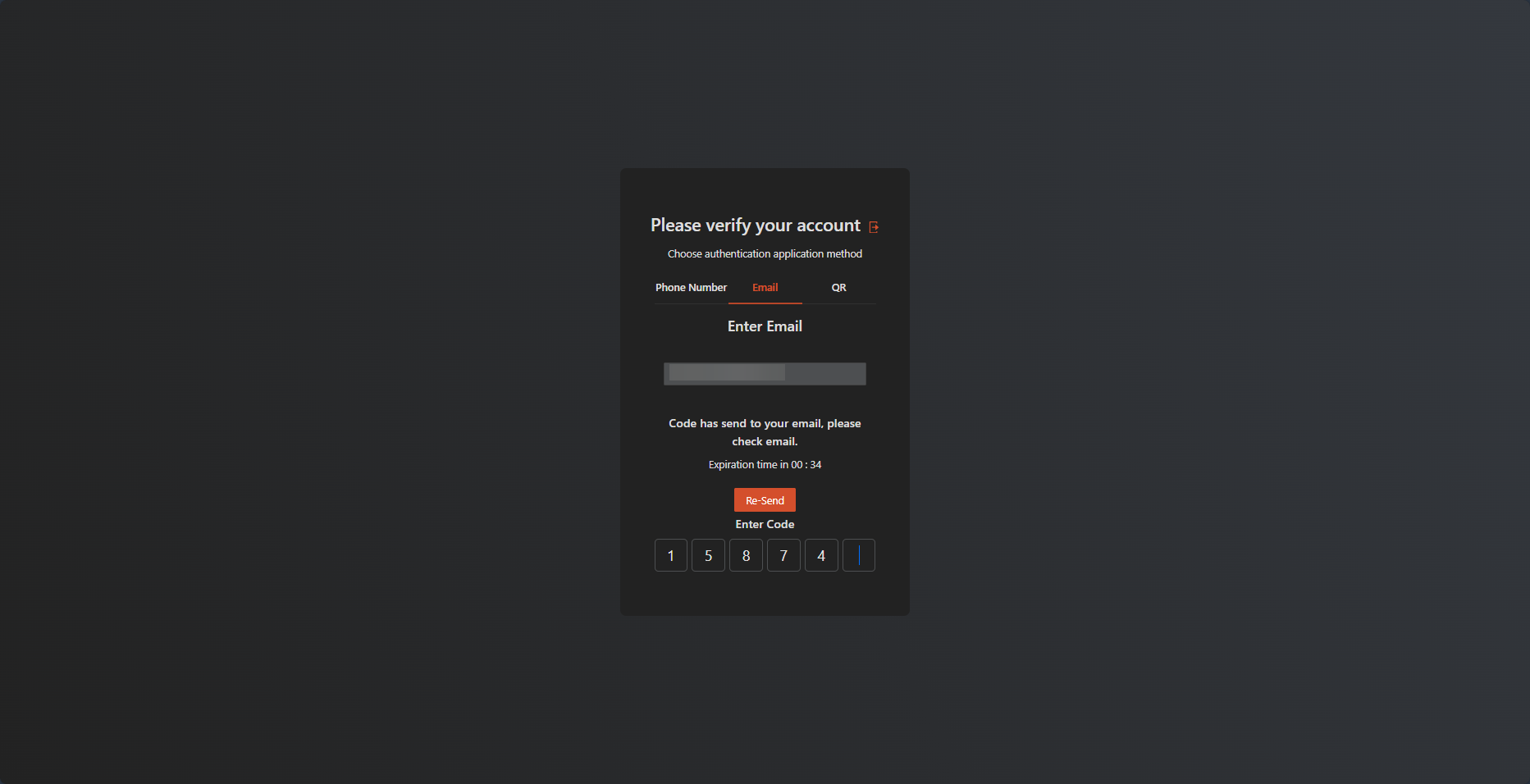
Next you will be asked to verify your account by enrolling Multi Factor Authentication (MFA). There are three options available for the verification method:
- QR code
- Phone number
- Email address
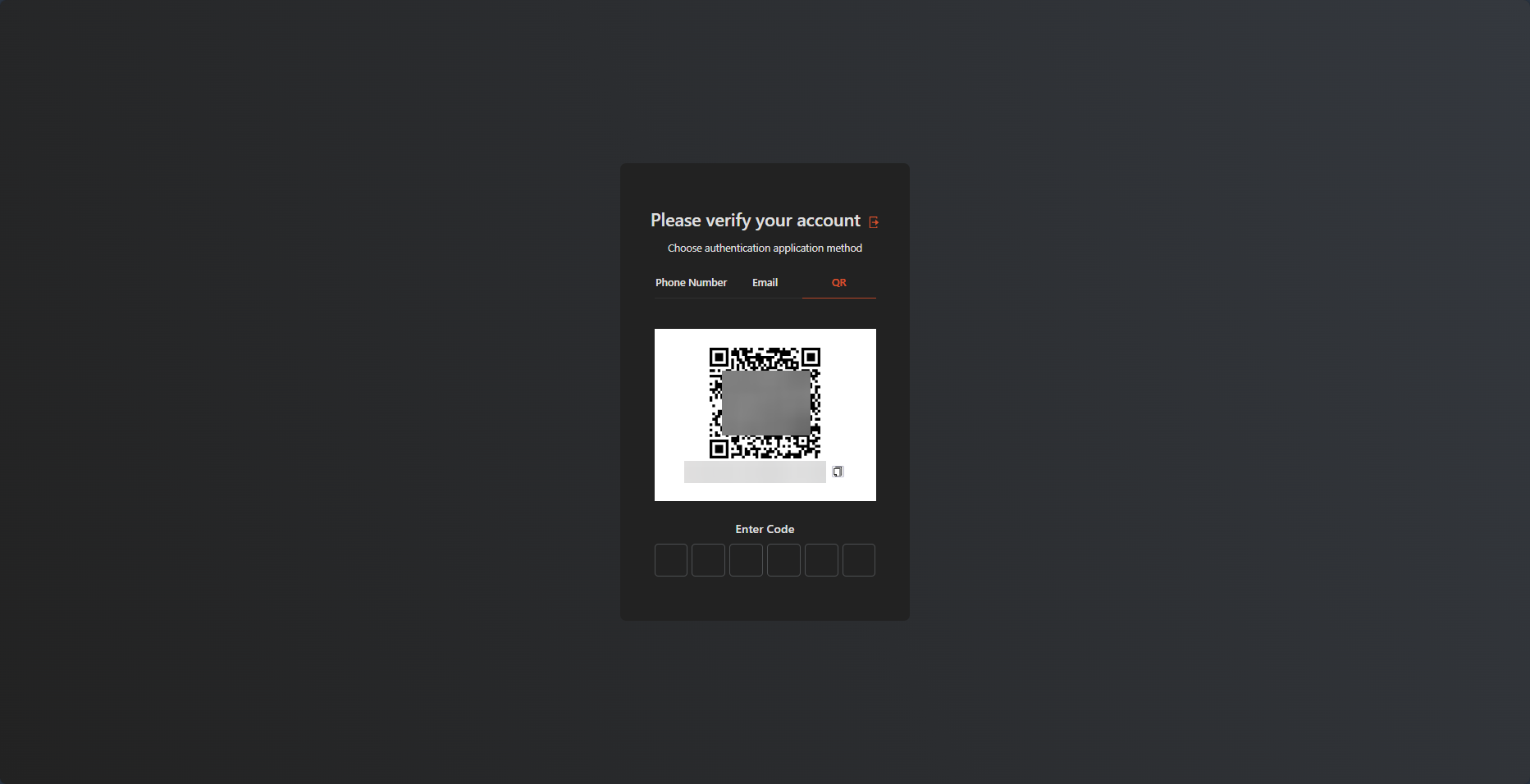
If you chose QR code for MFA method, then please scan the QR code using your authenticator application, which the authenticator app will give you time based token to be inputted.
If you choose Phone Number for MFA method, then you need to input your phone number country code and the rest of your phone number. Once you click send, the OTP will be sent via SMS to your number.
If you choose Email address for MFA method, then you need to input your email address. Once you click send, the OTP will be sent to your email address.
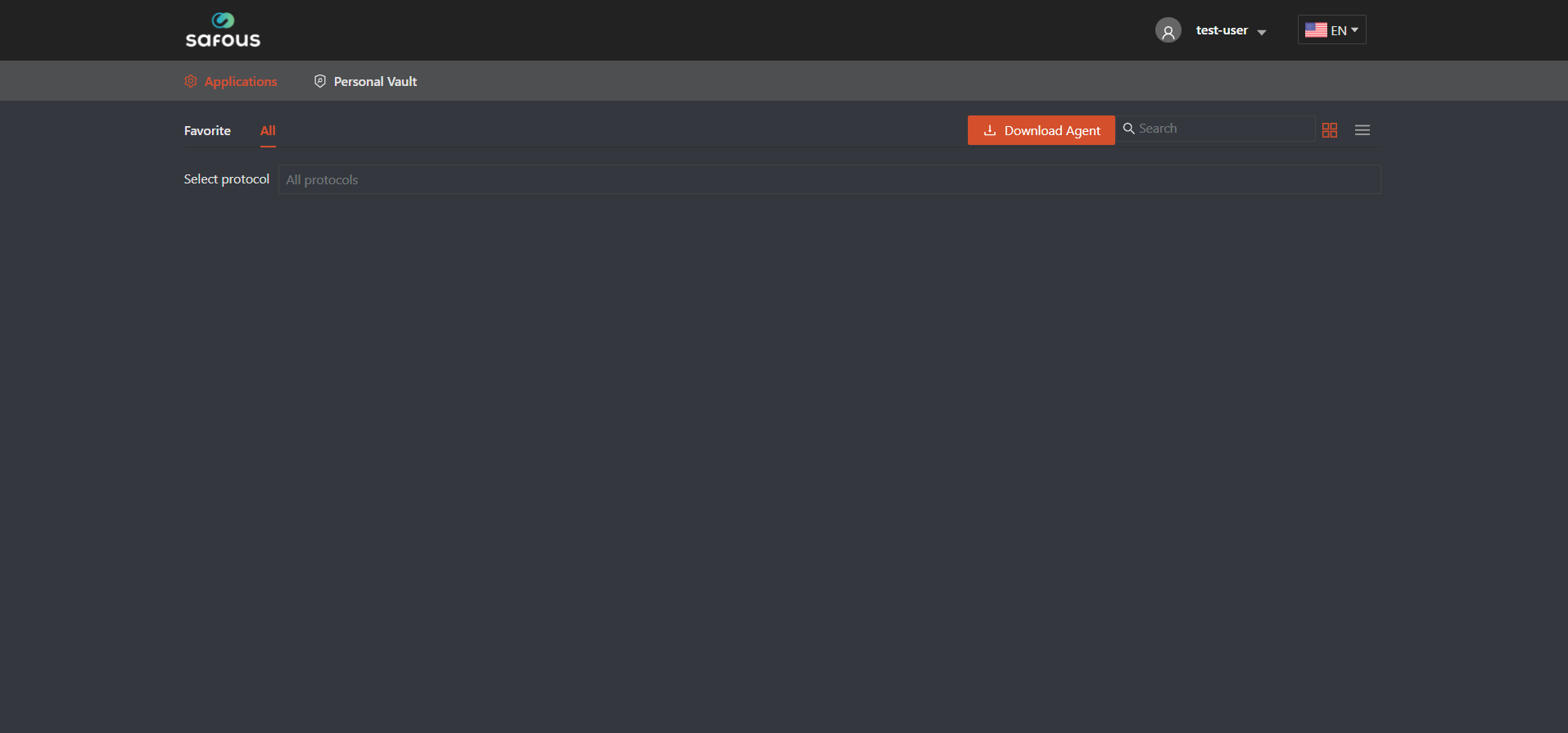
Once you have verified your MFA method, you will be redirected to the user portal that shows all the apps that can be accessed. If you haven't been authorized to access any apps, then the page will not shows any apps