Safous iOS Agent Installation
Requirements
To download and use the agent, a user need to be
- Already enrolled the MFA and can login properly
- Authorized by policies to access a network app
Please also take note of the OS requirements to download and install the agent:
- iOS: iOS 14 or later.
Agent Installation
-
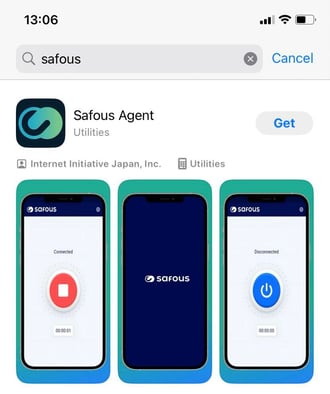
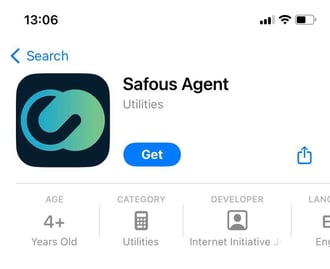
Find "Safous Agent" in Apple App Store, then install it.
Use Safous Agent
-
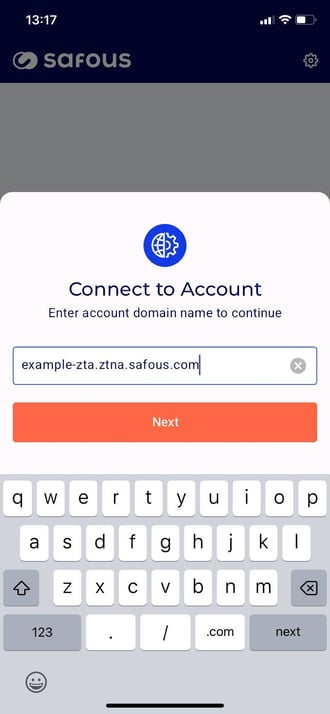
Once installed, open the app. It will prompt you to enter the tenant domain. Enter the tenant domain, e.g., example-zta.ztna.safous.com.
-
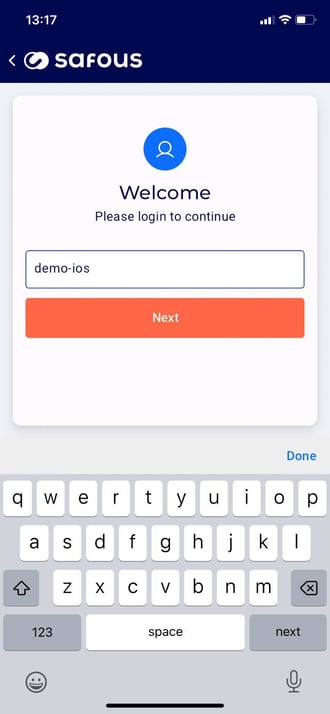
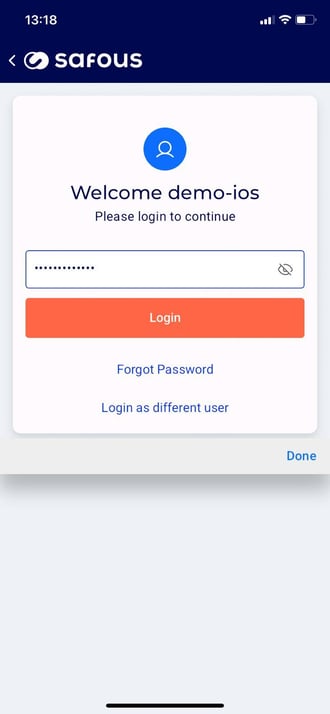
Then, enter your username and password.
-
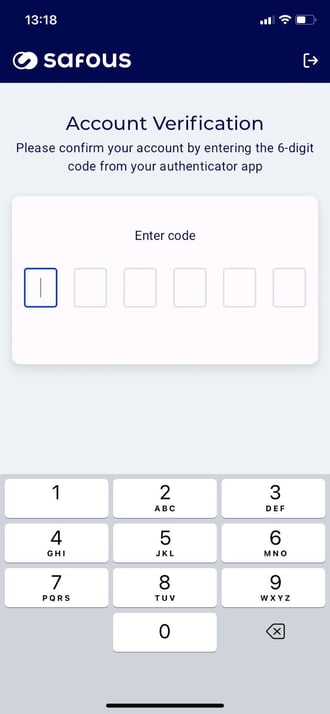
After that, enter the MFA code.
-
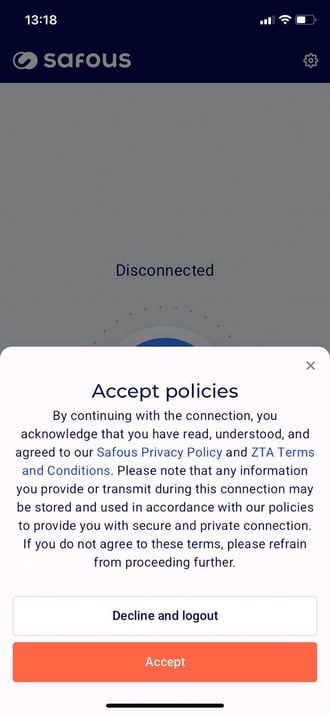
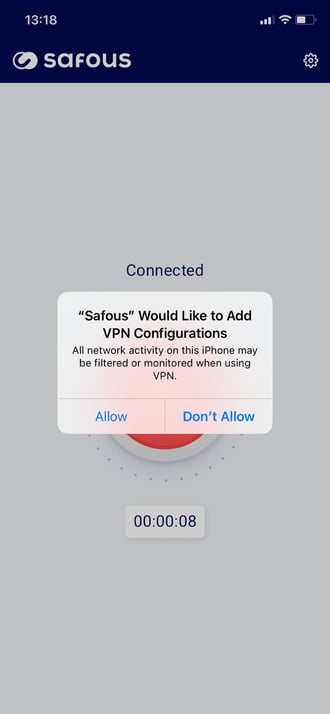
You will be asked for accept policies and allow adding VPN configuration. Click "Accept" and "Allow". You can also check the added VPN Configuration in iOS Settings → VPN
-
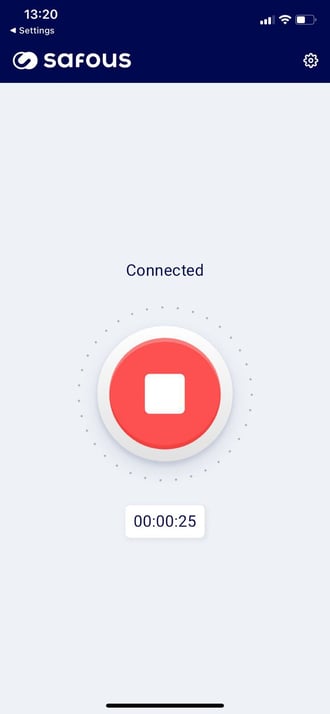
Wait a moment until a "VPN" icon appears at the top of the screen. This indicates that a VPN tunnel has been established.

-
Once established, you can connect to any internal app within the subnet defined in the network application.
-
It's finished!