Disabling and Deleting Existing IDP Groups
Sometimes there's a time where you need to disable or delete the specific group because it's being used in the external identity service or already been changed. This article serves to guide you on how to accomplish that.
- Navigate to Settings > ZTNA > Accounts > Groups(IdP)
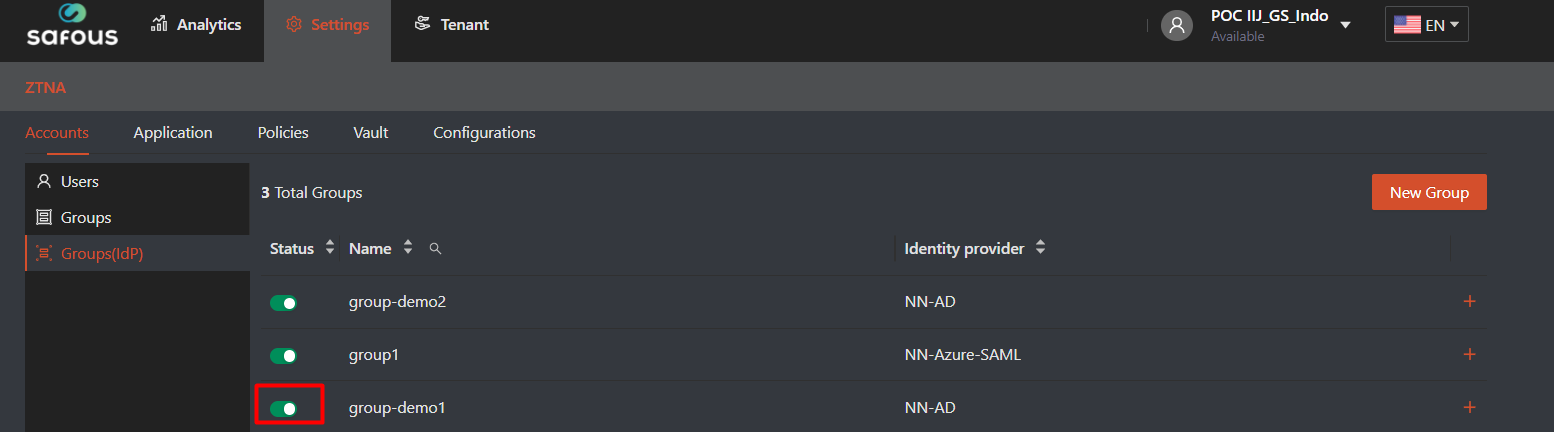
- If you only need to disabled the user, you only need to toggle the status button from green to grey.

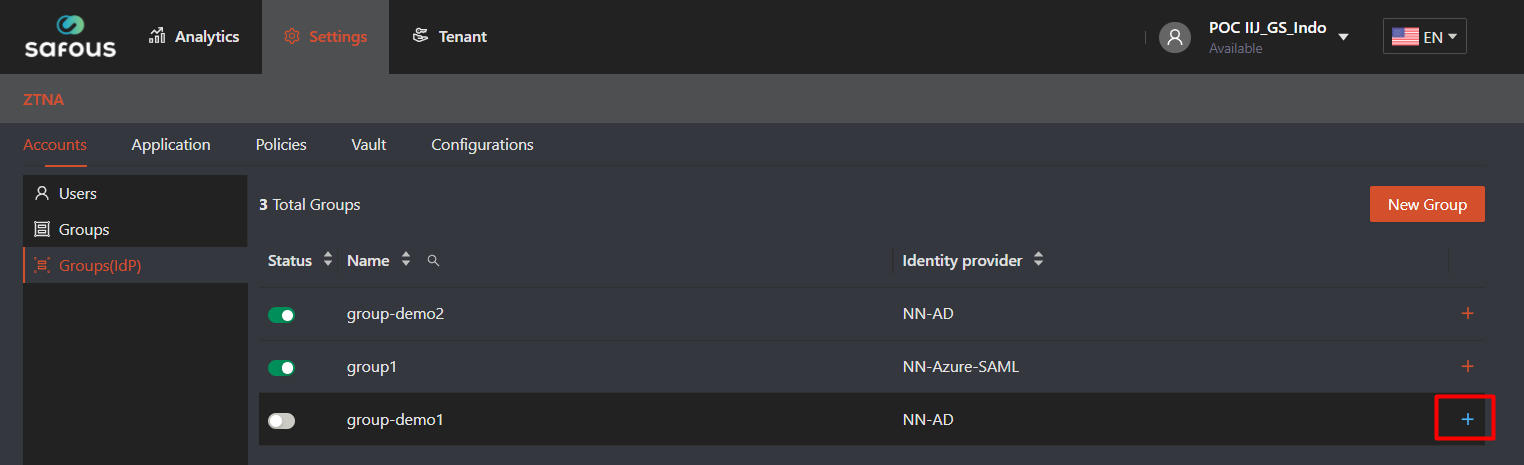
- If you need to delete the group, click on plus icon (+) on the right side of the group you want to delete
- The detail information will be expanded and the "Delete" button will be shown. Click "Delete" button, which will pop-up confirmation notification then click "OK"

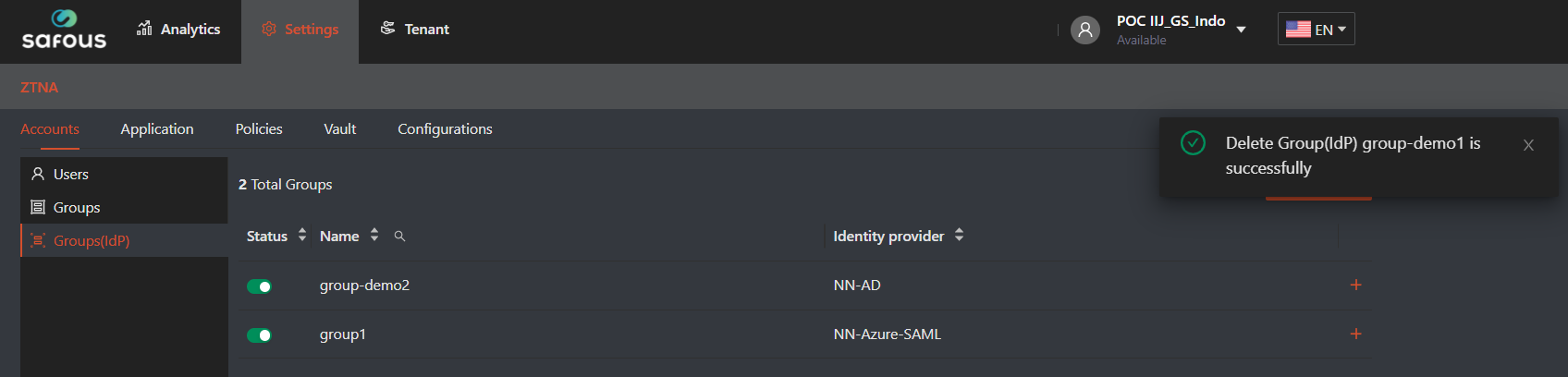
- Once the delete quest has been processed, it will notified the success information