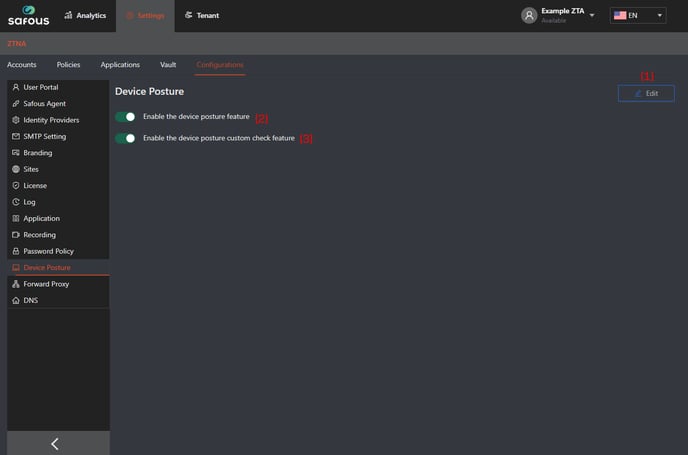
Edit button: Enable adjustments to the settings for the device posture feature.
Enable the device posture feature: Specify whether the device posture feature should be enabled or not.
If enabled (green), device posture profile will appear and can be configured in Policies.
If disabled (gray), device posture profile is hidden and cannot be configured in Policies.
Enable the device posture custom check feature: Decide if the custom check option for device posture should be activated. Note that this feature relies on the device posture feature being enabled first.
If enabled (green), custom check condition will appear in a device posture profile and administrator can specify a custom check for the profile.
If disabled (gray), custom check condition will be hidden from the list of available conditions in a device posture profile.