Services
This article explains detailed configuration parameters of Tenant > Services of Safous admin portal (portal.safous.com)
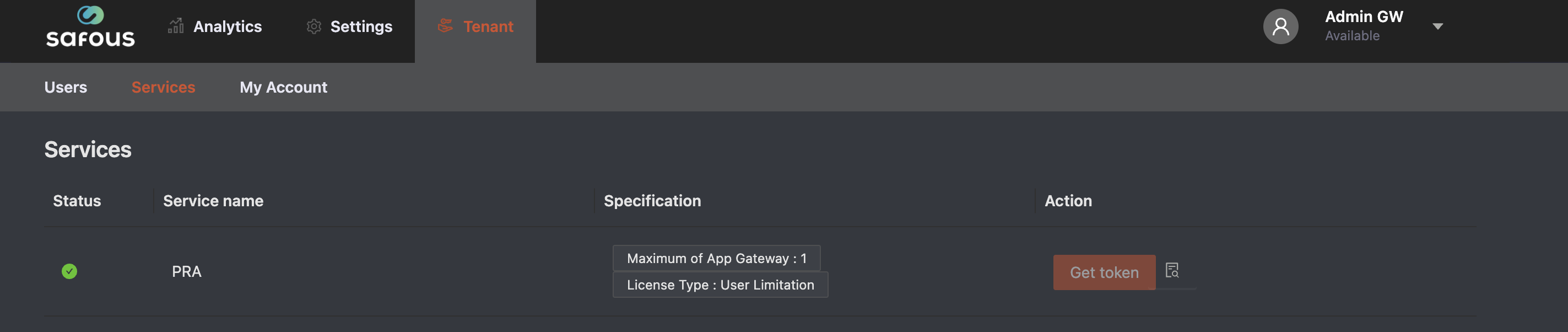
This page allows you to see the purchased service and generate App Gateway installation token
-
Status, this column shows the status of the service whether active or innactive.
-
Service name, this column shows the installed service in your tenant.
-
Specification, this column shows the specification of installed service in your tenant.
-
Action, this column shows what kind of action available for the service. For PRA, you will be able to get installation token when clicking the Get token button as long as the quota for App Gateways is still available (depends on the permission).