Storage Buckets
Managing bucket capacity
To set the maximum capacity for the recordings and file-transfer buckets, go to Admin Portal > Settings > PRA > Configuration > Storage Buckets.
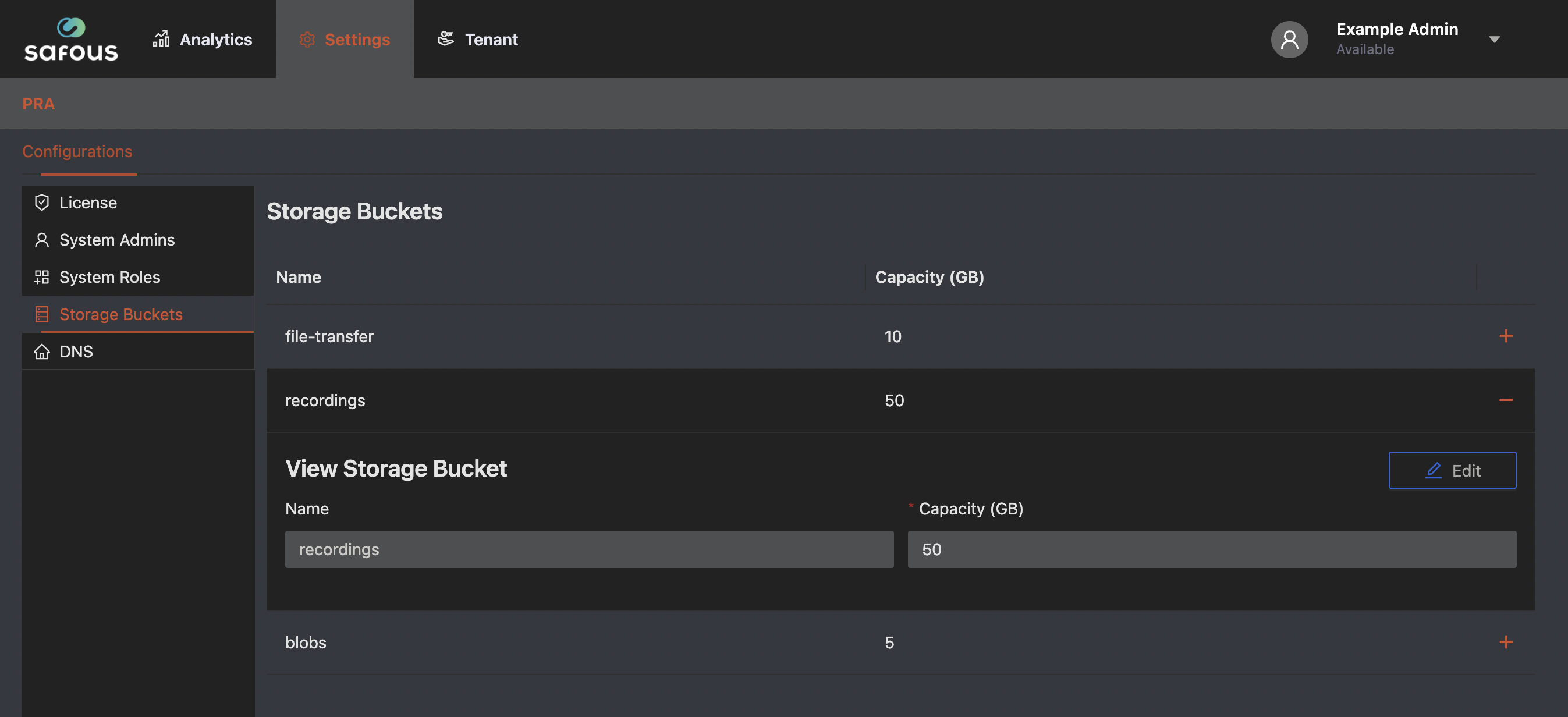
- In the list, click + on the Bucket Name row to expand it.
- In the detail panel, click Edit.
- Enter the desired capacity, then save.
Edit is only available when at least two IDACs are active; otherwise it stays disabled.
To confirm successful synchronization, verify the following:
- Physical file presence
- File list consistency
- File sizes
- Checksums (
cksum)