Accessing VNC Application
This article serves to guide you on how to access a VNC application through Safous user portal.
To access VNC application that admin has created, a user need to be:
- Already enrolled the MFA and can login properly
- Authorized by policies to access the app
Once you logged in, you will be shown all the applications that you can access. Choose the VNC-based application that you have created.

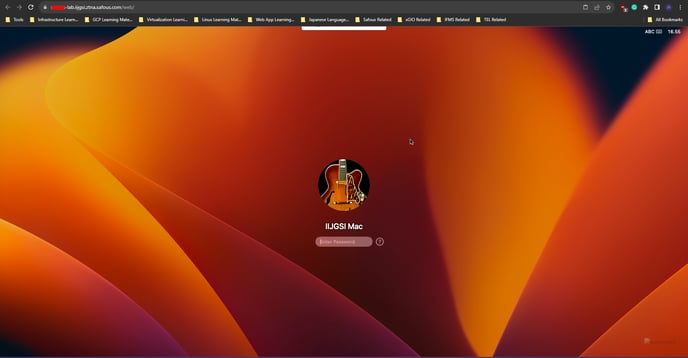
After clicking the VNC-based application, the VNC session will open in a new tab of your browser.