Accessing SMB Application
This article serves to guide you on how to access an SMB-based application through Safous user portal.
To access SMB application that admin has created, a user need to be:
- Already enrolled the MFA and can login properly
- Authorized by policies to access the app
After logging into the user portal, you will see a list of accessible applications. To enable quick access to the SMB application, click on the 'Select protocol' bar and choose 'SMB'. This action will filter the list to display only SMB-based applications.

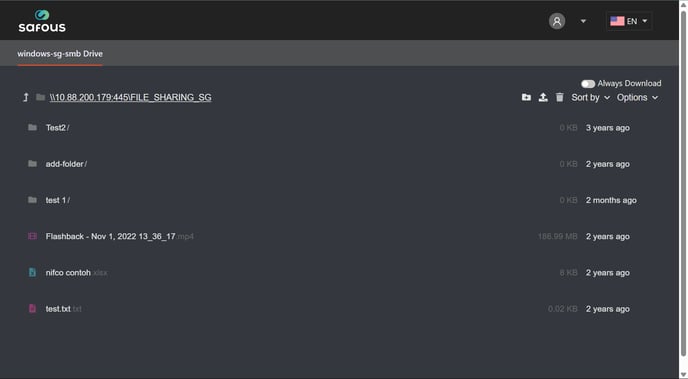
Click the application, and you will gain access to your SMB files through the Safous ZTA service.