Change Background Image of the Login Page
-
Login to the App Gateway server
-
Copy your background image to /etc/safous/customize/login-background.png.
For example,sudo cp your_background_image.png /etc/safous/customize/login-background.png -
Run Safous Menu
sudo safous -
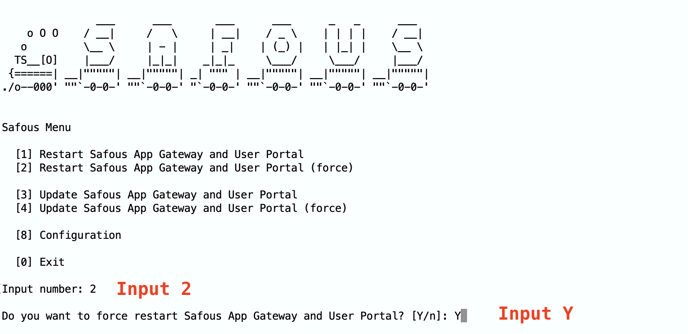
Choose "[2] Restart Safous App Gateway and User Portal (force)" and input "Y"
-
Input enter key after displayed "Return to the Menu. Please press the Enter key"
-
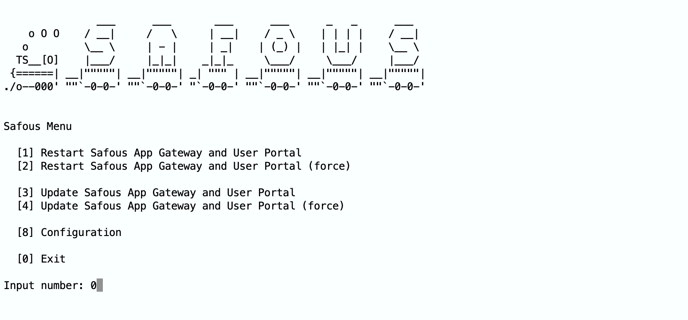
Then, input "0" (Zero)
-
Access to your login page and check the background image. If it hasn't changed, it's probably browser's cache. So, please click "shift" key + reload button.