Creating Policy for Specific Users and Groups
- login to https://portal.safous.com
- Go to Settings tab> ZTNA
- In Policies, click on New Policy button
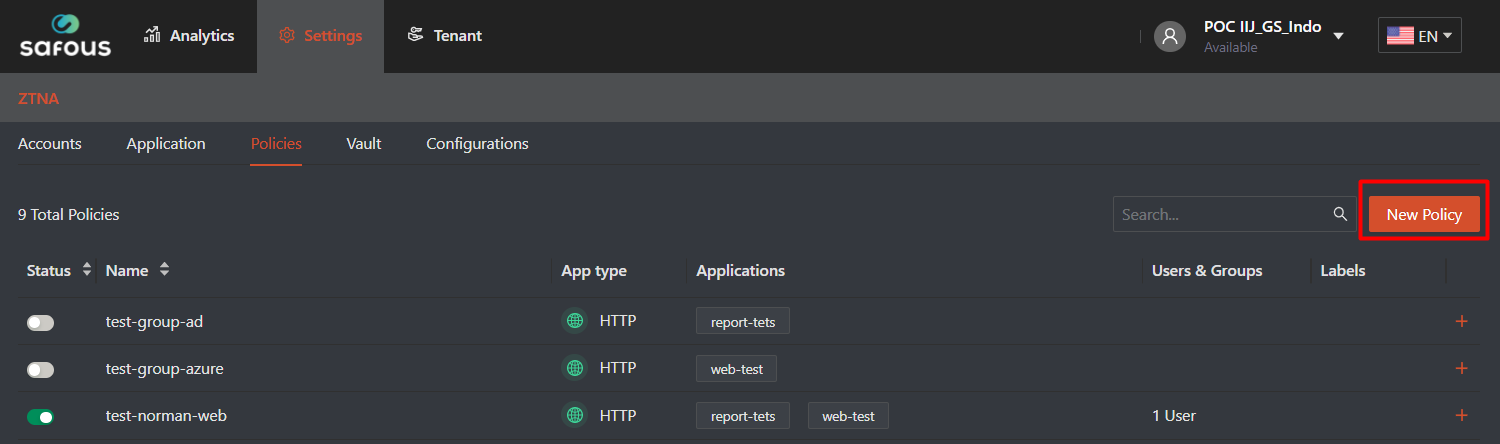
- Once clicked, it will expand all the option for policy that can be use for application authorization

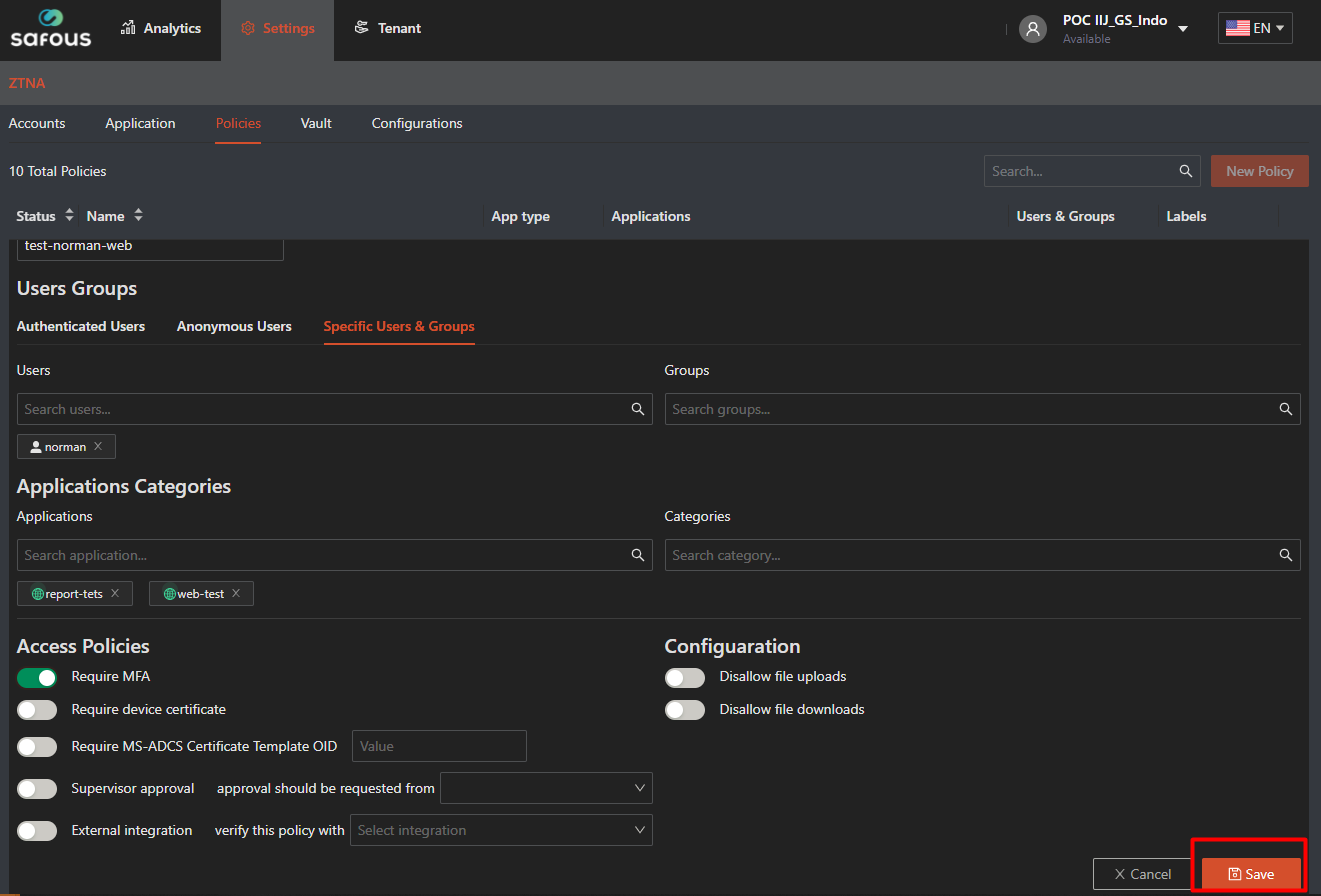
- You need to input the policy name because it's mandatory and must be unique to other policy

- For this time we're focusing on how to create policy which can be accessed by specific users and/or groups for specific app, so on "Users Groups" click on "Specific Users & Groups"
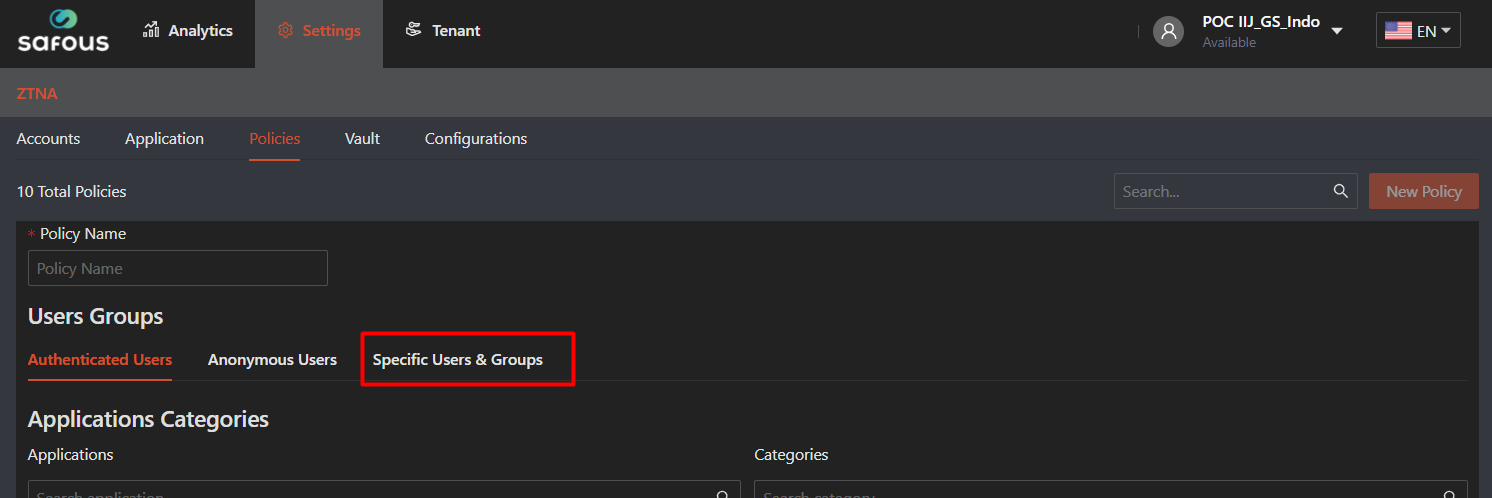
- Then the option of "Users and Groups" will be changed in to "Specific Users & Groups"
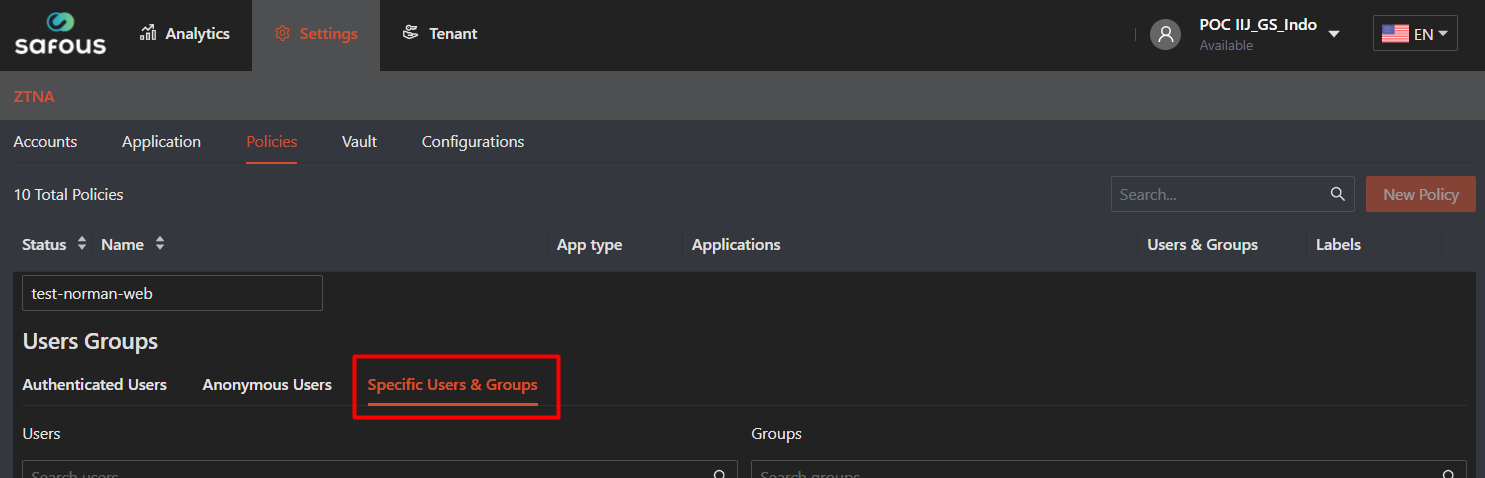
- Next click on search users, which will drop down all users to be choose

- The case also will be the same as group, which will shows all group that can be choose

- As for the applications, categories, access policy and configuration fill/choose with what you want to be mapped. Then click "Save"
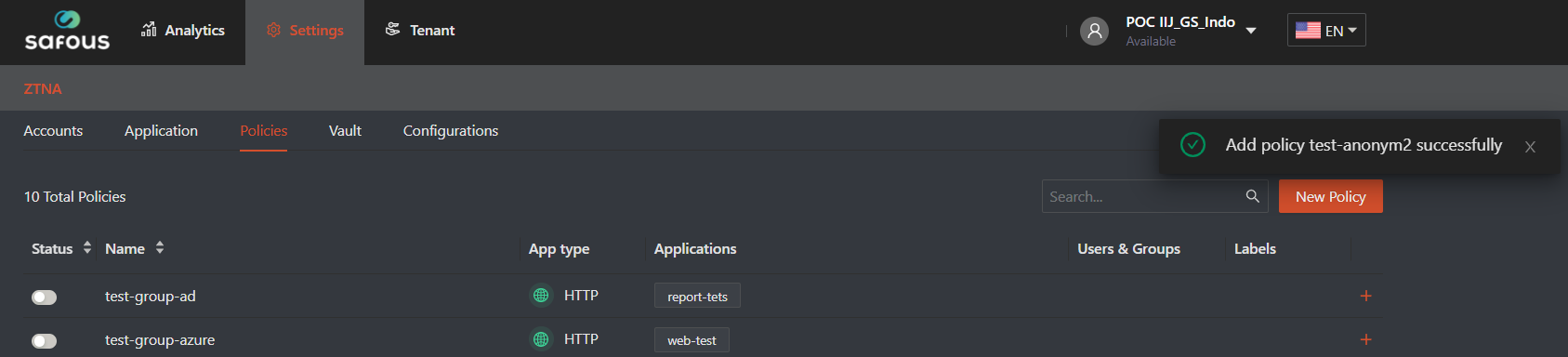
- It will give you success notification, once the policy has been added
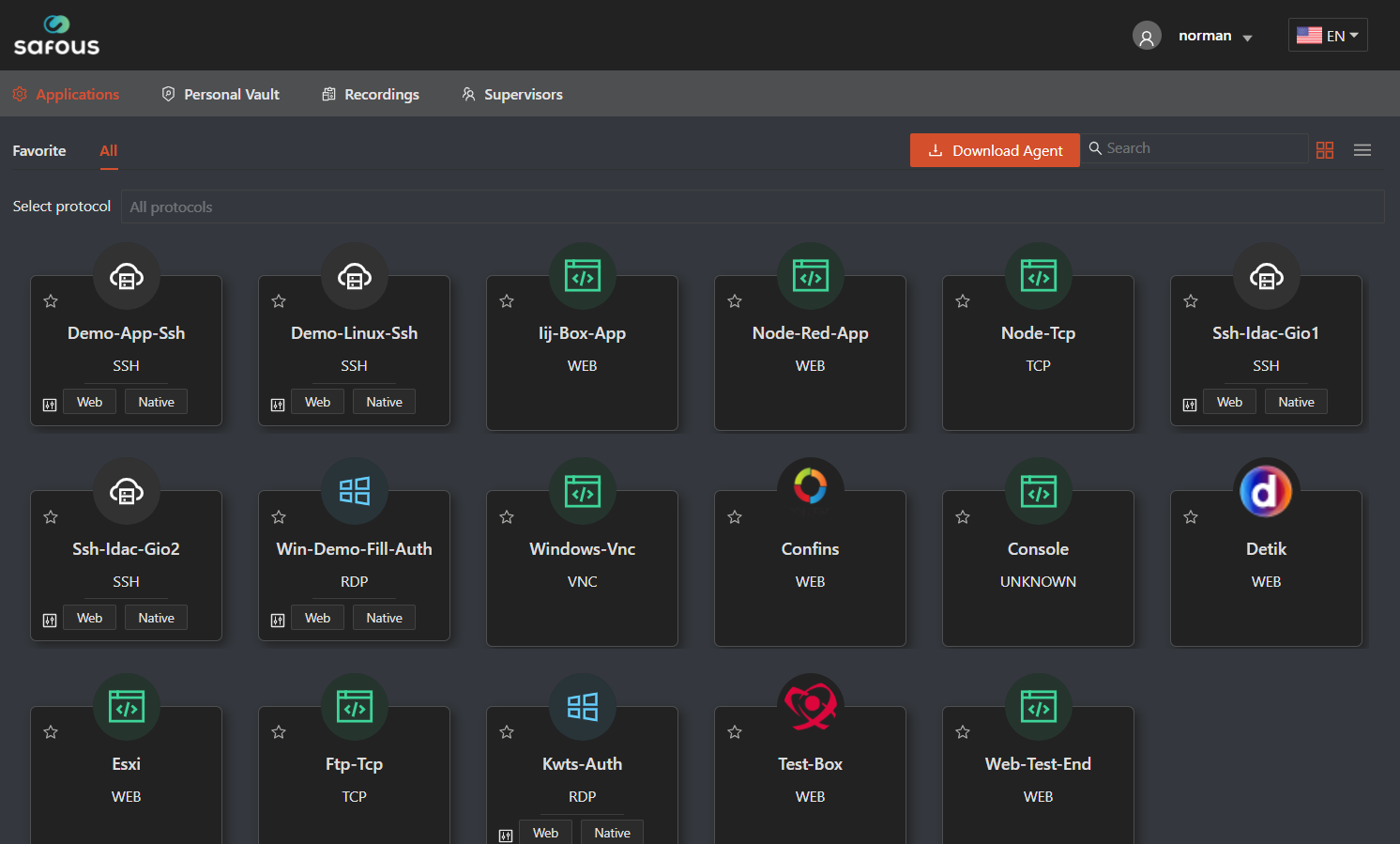
To test the policy is successfully implemented or not, login to the user portal with the user that has been configured in the policy.
Once you login, then you will shown all the application that your user could access