Switch over group's status
This article serves to guide you on how to switch over an existing Group's status
-
Navigate to Settings > ZTNA > Accounts > Groups. You will see this page:

-
Click the search button to search for a specific group.

-
Click the toggle Button beside the group's name to switch the status of the group
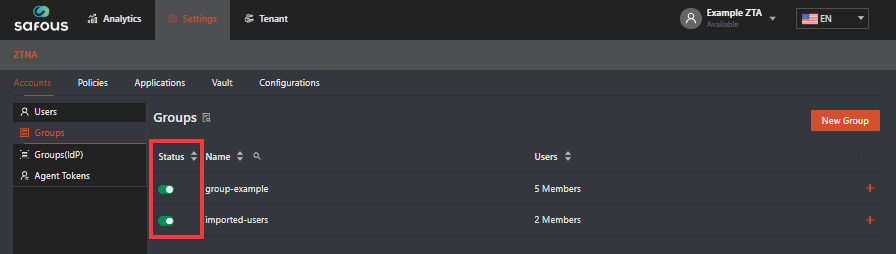
- Green color = The Group status is enabled
- Gray color = The group status is disabled
-
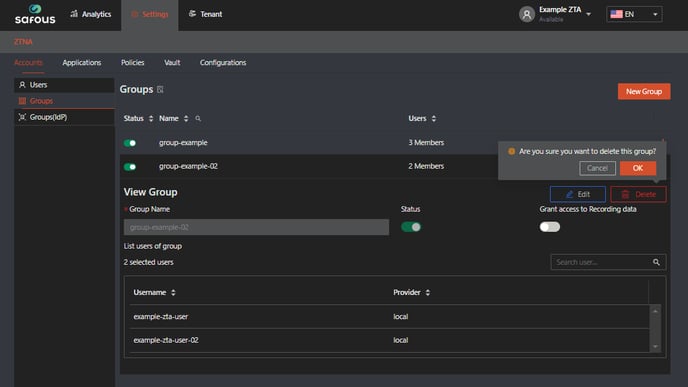
If you want to delete the group, click the expand button then click Delete button, and a confirmation pop-up will appear. Click OK if you are sure you want to delete the group.