Safous Windows Agent Installation (Silent Mode)
-
Go to your tenant's User Portal.
-
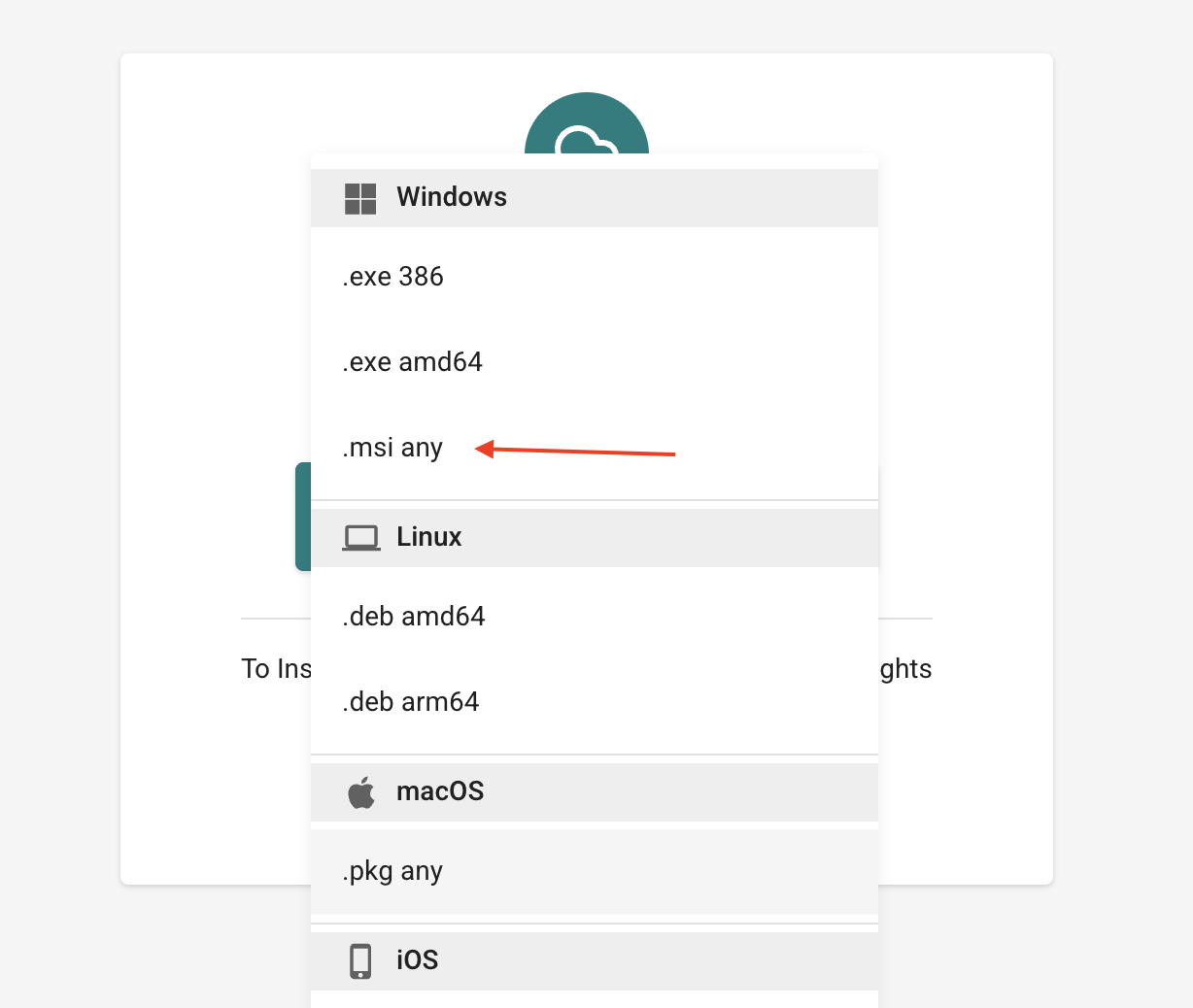
Download the MSI Agent. The installer will be downloaded as '(your-tenant).msi'.
-
Open Windows PowerShell as Administrator and run the following command:
msiexec /qn /i "(Path to Installation File)/(your tenant).msi" TENANT="https://(tenant).gw.safous.com"noteReplace the '(tenant)' placeholder with the name of your Safous tenant.
-
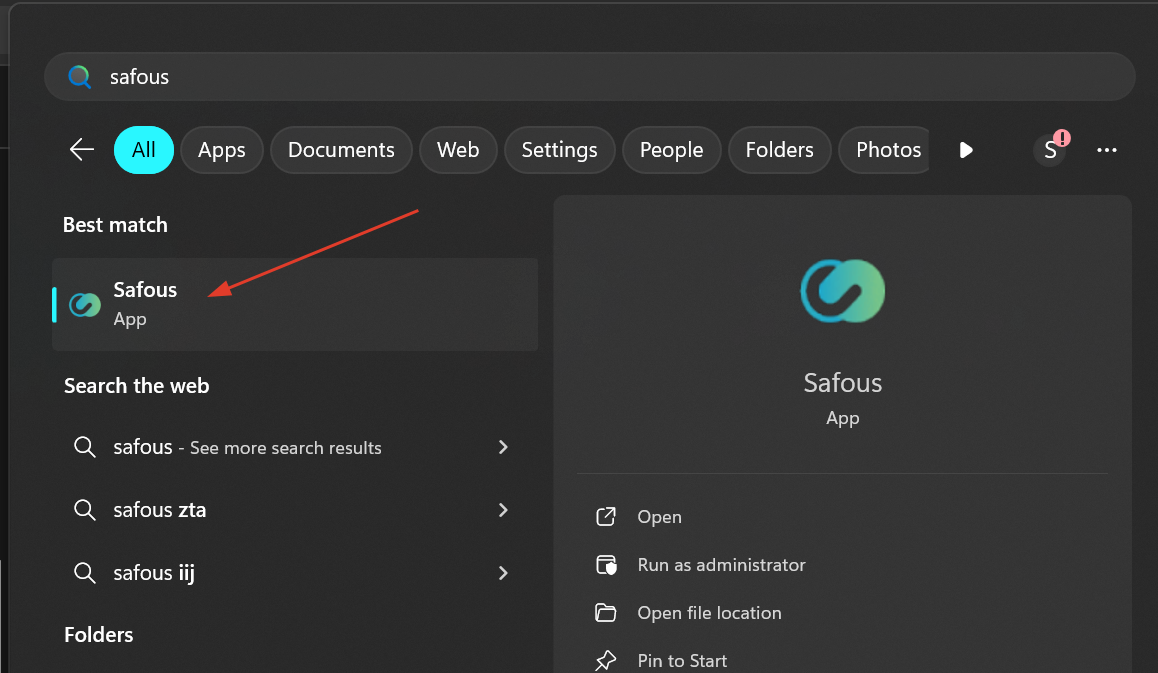
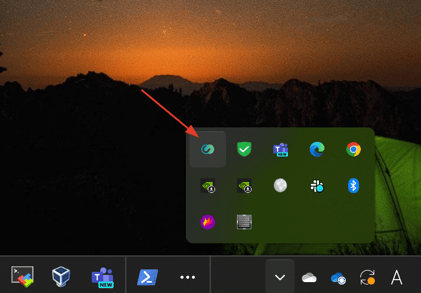
Verify the installation by checking the Start Menu and system tray icon.
-
Test the connection to verify that the agent is operating correctly.
-
The installation is now complete.