Safous iOS Agent Installation
Requirements
To download and use the agent, users must:
- Be enrolled in MFA and able to log in successfully.
- Be authorized by policy to access a network application.
Please also note the following OS requirement for downloading and installing the agent:
- iOS: iOS 16 or later.
Agent Installation
-
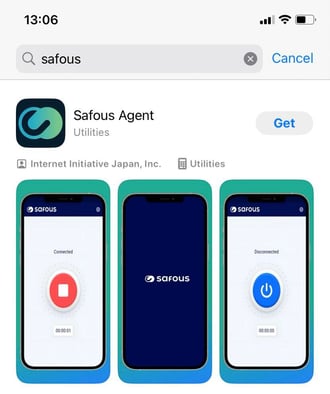
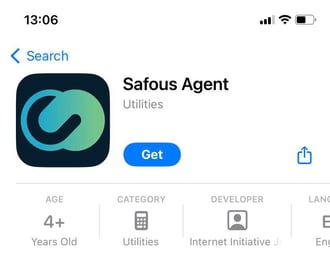
Search for "Safous Agent" in the Apple App Store and install the app.
Use Safous Agent
-
Once the installation is complete, open the app. You will be prompted to enter your tenant domain. Enter the tenant domain, for example,
example-kb.gw.safous.com.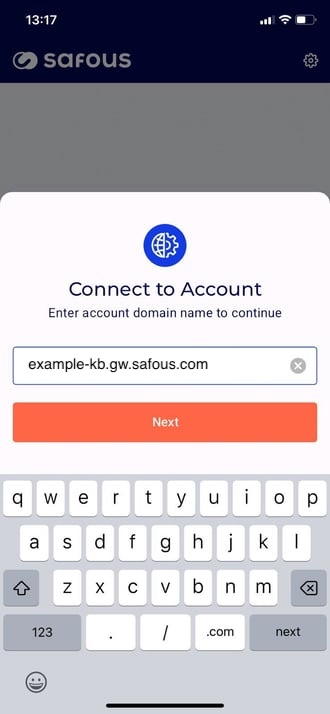
-
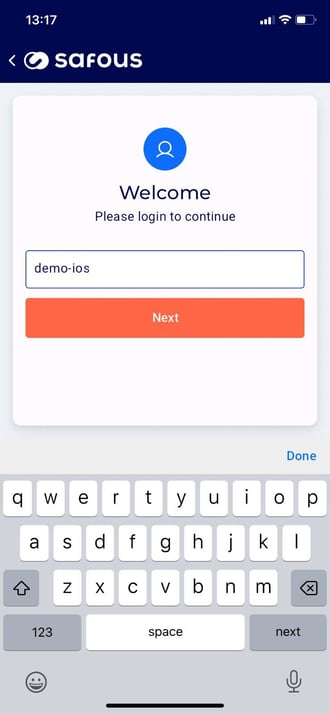
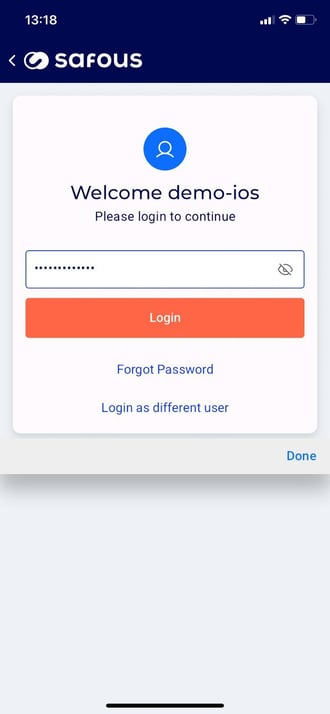
Enter your username and password.
-
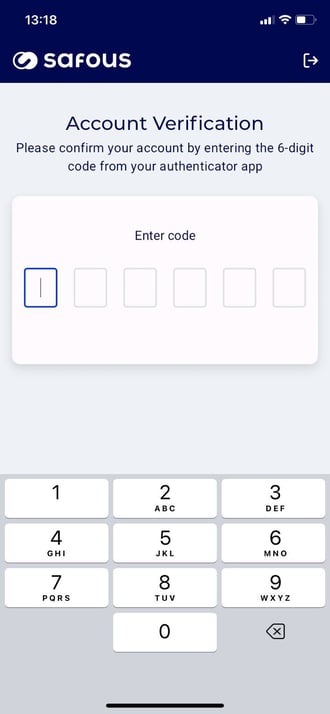
Enter the MFA code when prompted.
-
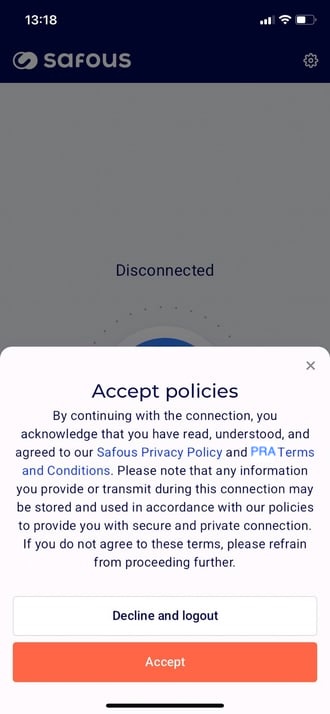
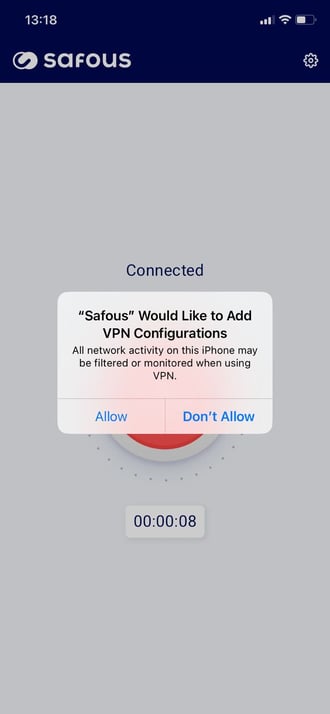
You will be prompted to accept the policies and allow the app to add a VPN configuration. Click "Accept" and "Allow". You can also verify the added VPN configuration by going to iOS Settings → VPN.
-
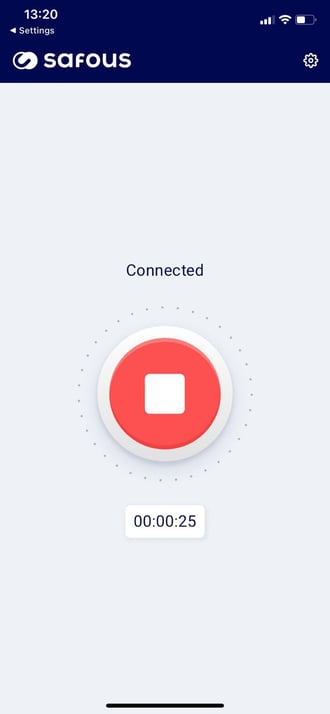
Wait a moment for the "VPN" icon to appear at the top of the screen. This indicates that the VPN tunnel has been successfully established.

-
Once the VPN tunnel is established, you can connect to any internal application within the subnet defined in the network application.
-
The installation and setup are complete!