Safous Agent
The Safous Agent must be downloaded and installed on the user's device to access network-based applications within the environment. In general, the Safous Agent functions similarly to a VPN client by connecting the local device to authorized network resources while providing more granular access control.
Requirements
To download and use the agent, a user needs to:
- Have completed MFA enrollment and be able to log in successfully
- Be authorized by the configured policies to access a network application
Please also take note of the OS requirements to download and install the agent:
- macOS: Sequoia 15 and up
- Windows: version 10 and up
- Ubuntu/Debian: version 22.04 or newer
Agent Installation
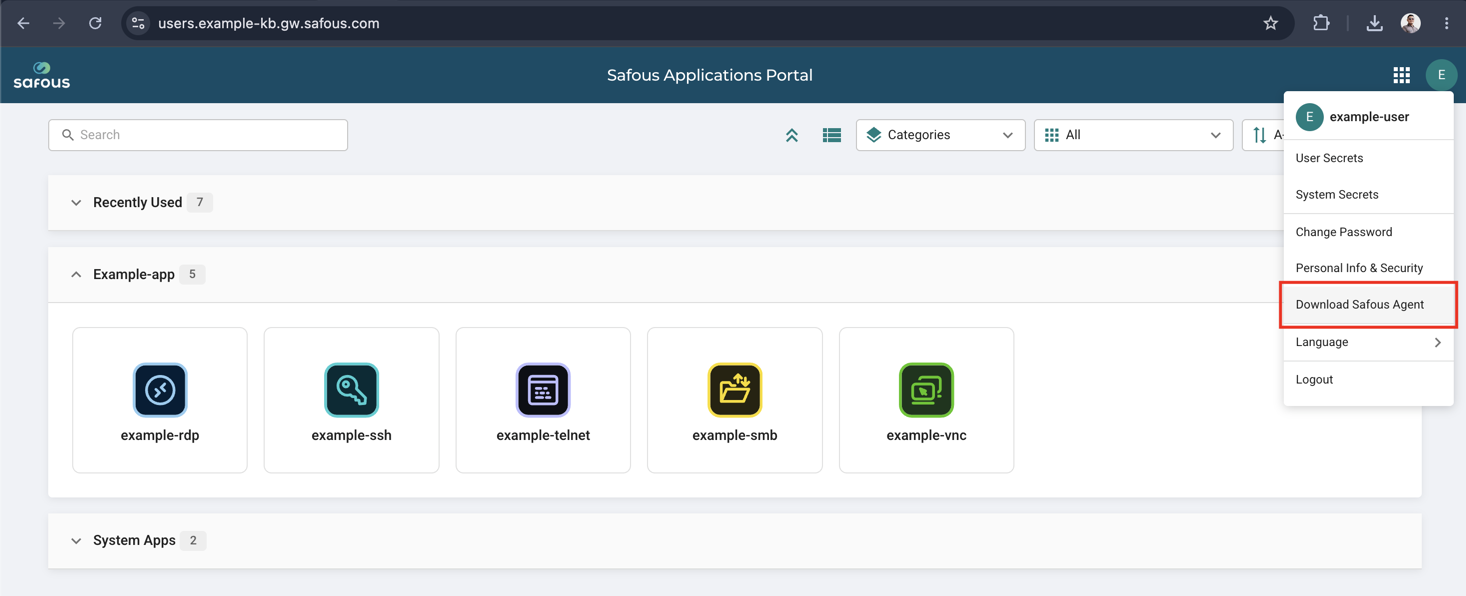
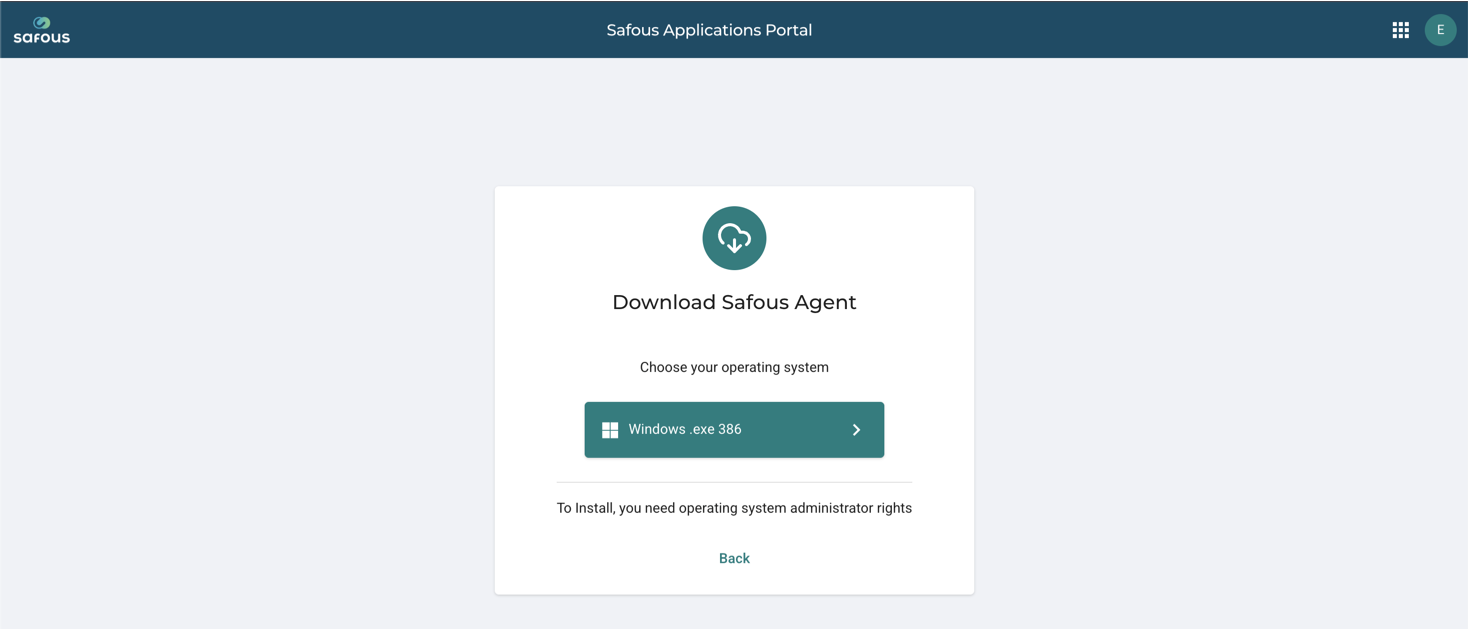
After logging in to the User Portal, open the menu in the top-right corner and select 'Download Safous Agent'.
Agent Packages
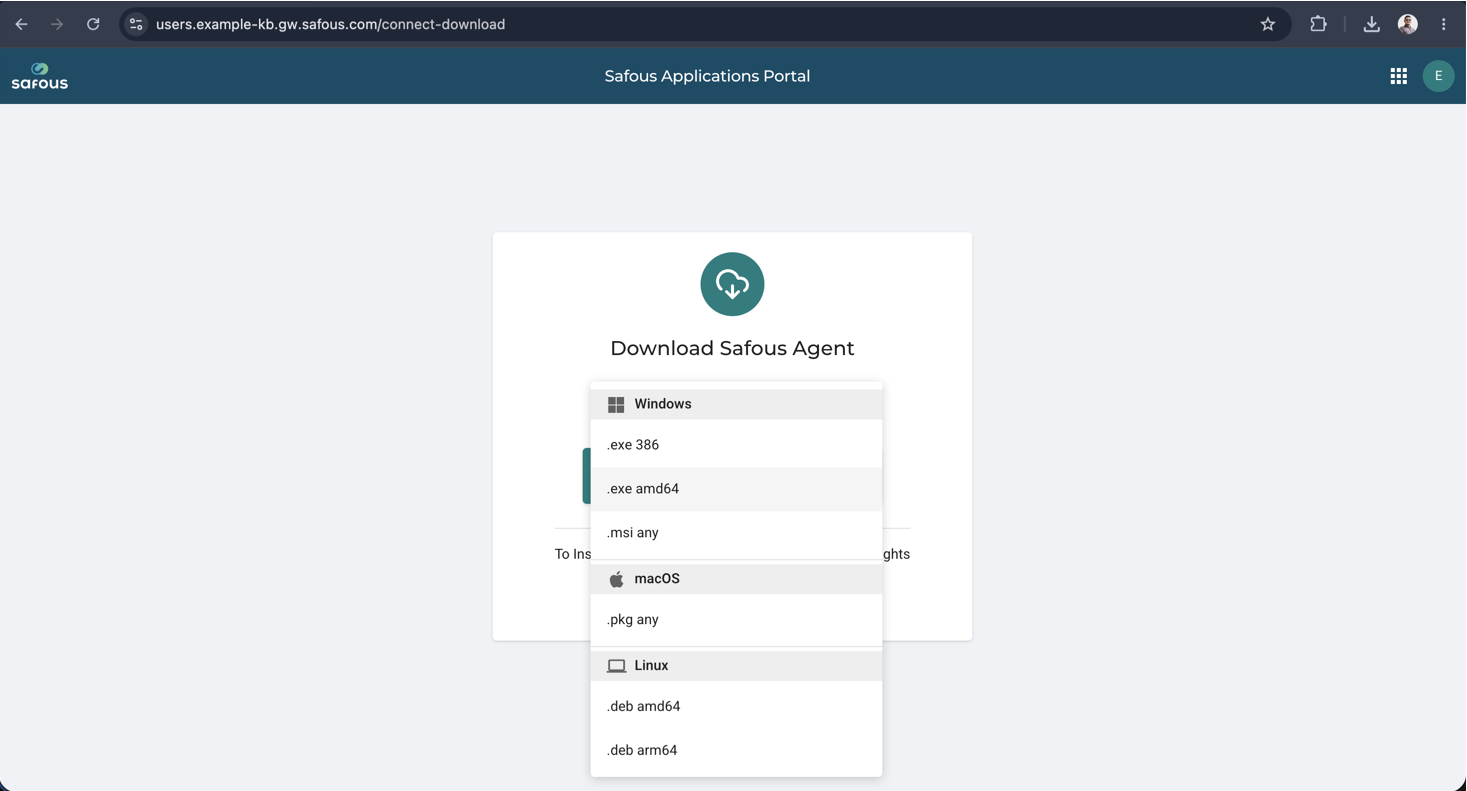
There are several agent packages available:
- Windows Portable Agent (x86/amd64)
- Windows Agent Installer (MSI)
- macOS Agent
- Linux Agent (amd64/arm64)