Change Language in User Portal
The Safous user portal offers language options to ensure accessibility and user-friendliness. This allows users to switch between languages easily, enhancing their overall experience while using Safous.
How-to
-
Log in to the user portal. For more details on how to login, please refer to Accessing User Portal.
-
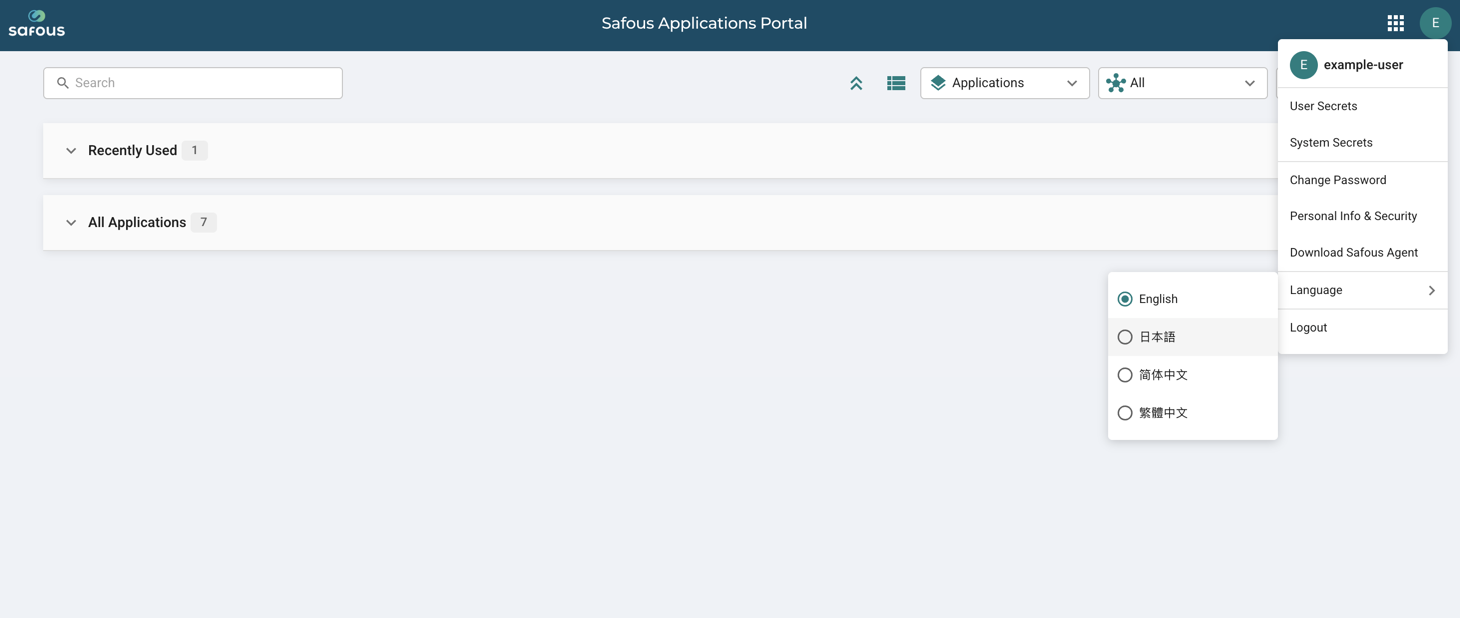
In the top-right corner, click the profile button displaying your initials to change the language.
-
Currently, the User Portal offers four language options:
- English - English
- 日本語 - Japanese
- 简体中文 - Chinese Simplified
- 繁體中文 - Chinese Traditional
-
After changing the language, all menus in the User Portal will automatically switch to the selected language. The following example shows the User Portal displayed in Japanese.
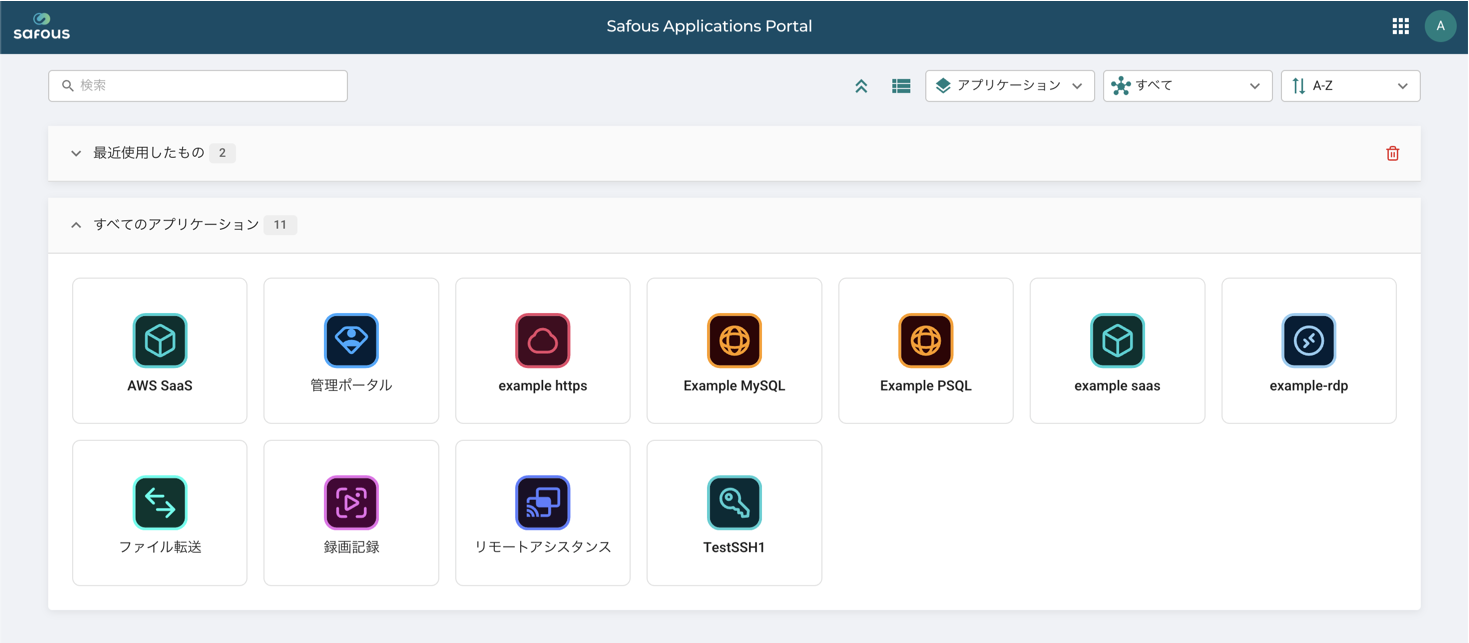
- Your language preference is saved in your browser session. When you return to the User Portal, the previously selected language will be used automatically.