Telnet Application
This article serves as a guide on how to access a Telnet application through Safous.
To access a Telnet application created by an administrator, a user needs to:
- Have completed MFA enrollment and be able to log in successfully
- Be authorized by the configured access policies to access the application
After logging into the user portal, you will see a list of accessible applications. To display only Telnet applications, click the 'Protocol' filter and select 'Telnet'. This action will filter the list to display only Telnet-based applications.
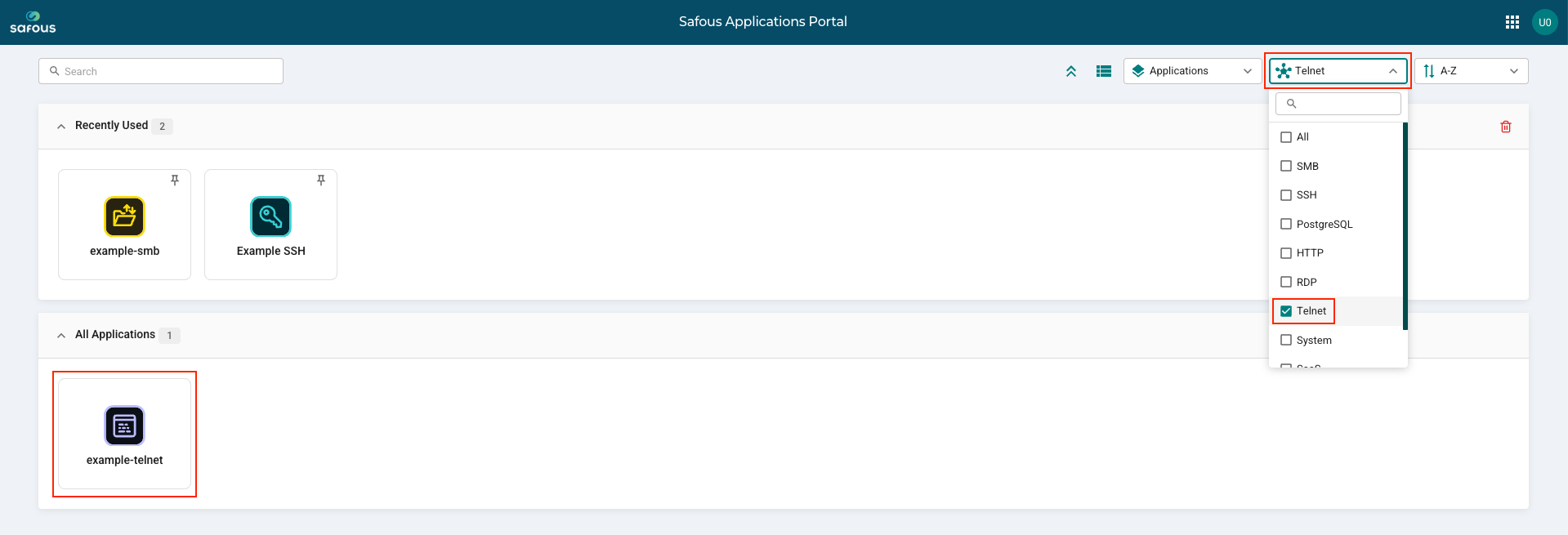
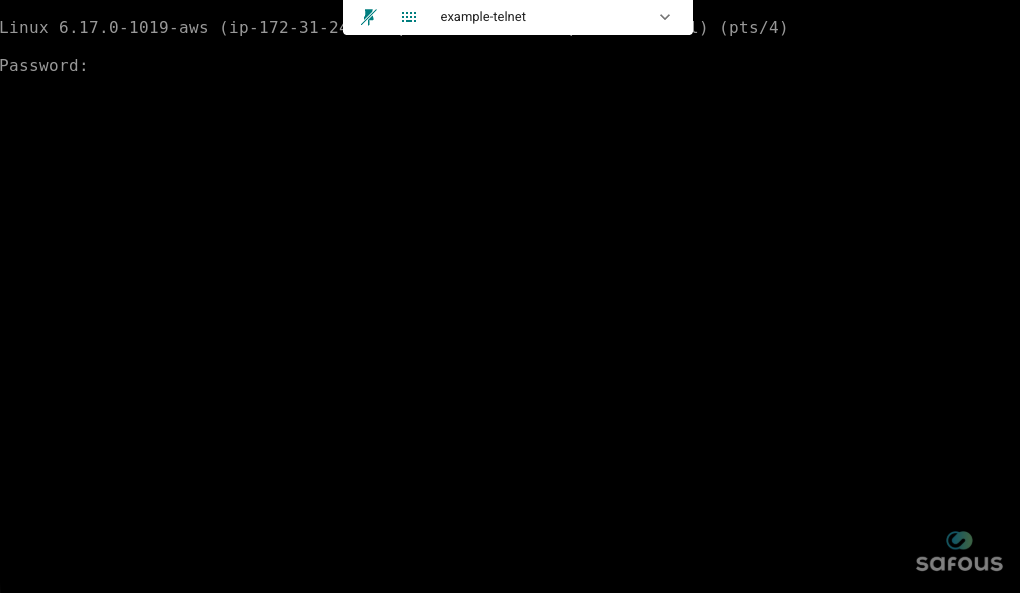
Click the application to open a new browser tab and access the Telnet session through Safous PRA.