MySQL Application
This article serves as a guide on how to access a MySQL application through Safous.
To access a MySQL application created by an administrator, a user needs to:
- Have completed MFA enrollment and be able to log in successfully
- Be authorized by the configured access policies to access the application
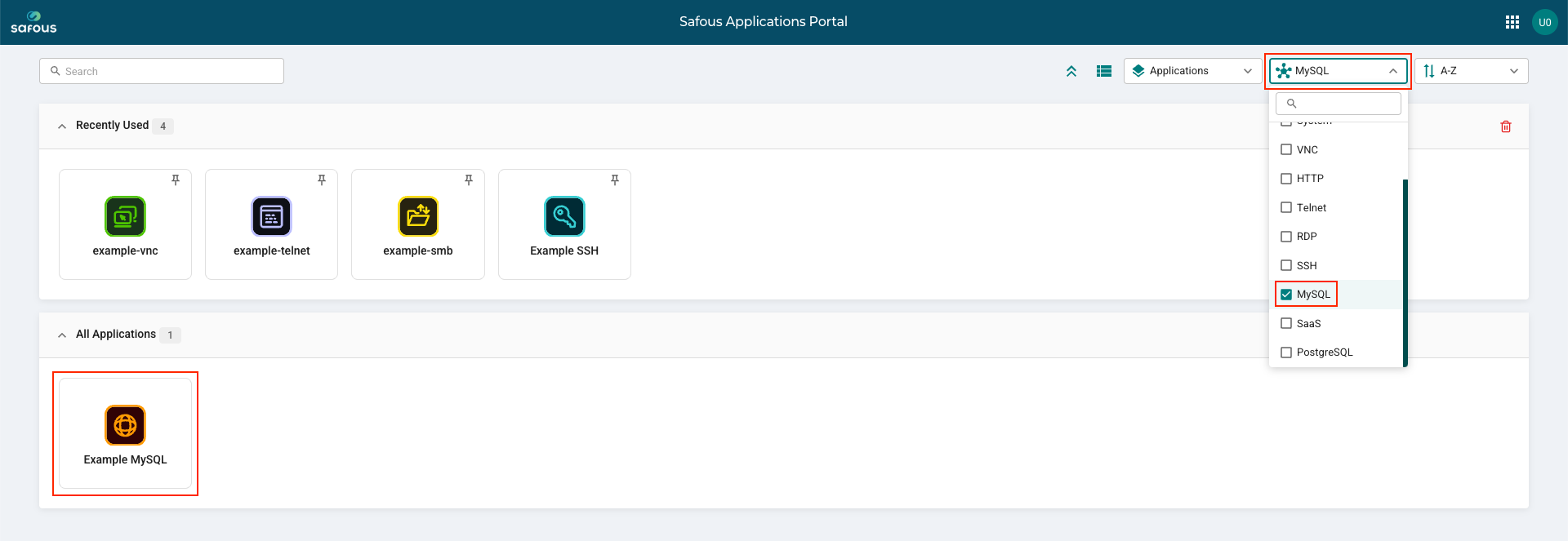
Once the user logs in, all applications that the user is authorized to access will be displayed. To display only MySQL applications, click the 'Protocol' filter and select 'MySQL'. Select the MySQL application created by the administrator.
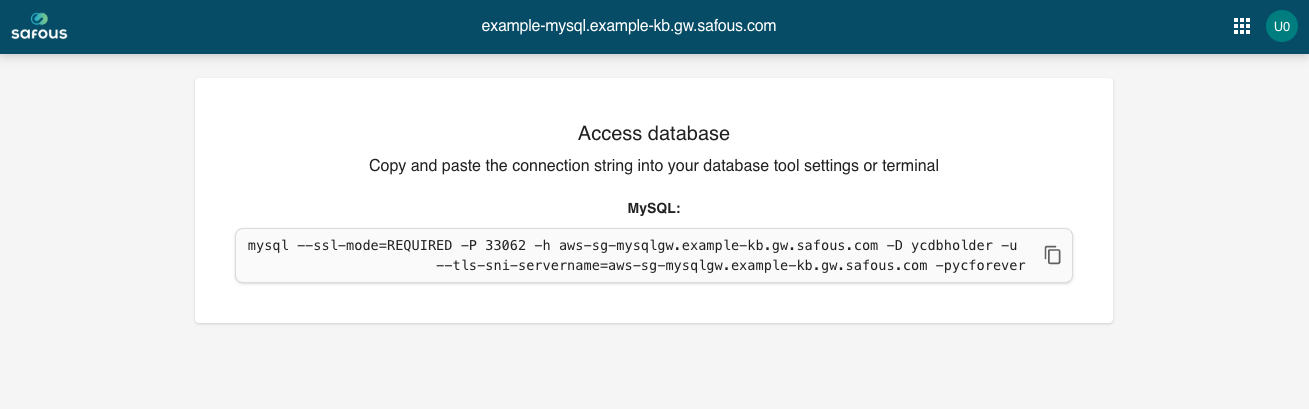
A new tab will open and display connection details for the MySQL session.
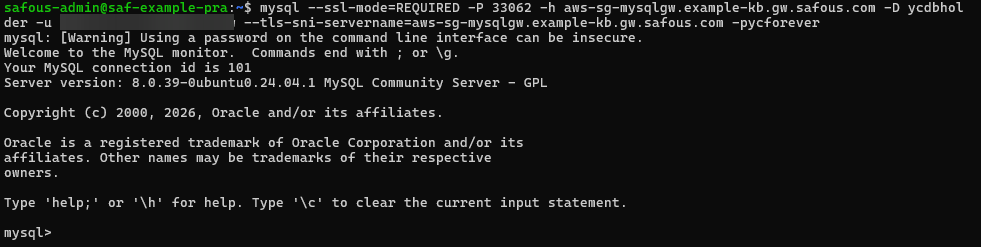
Below is an example screenshot of a database connection: