Applications
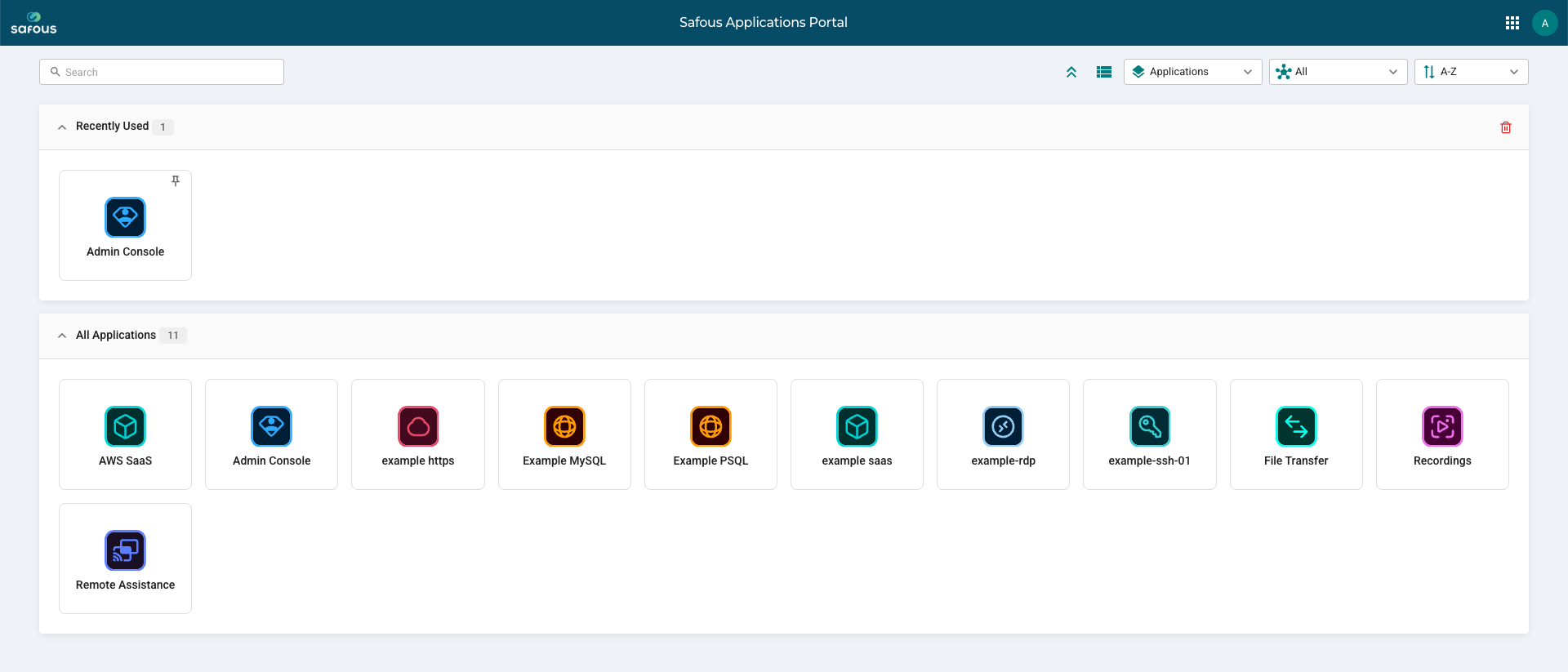
After successfully logging in to Safous and completing the required MFA verification, you will be redirected to the Applications page. This is the first page displayed after a successful login and shows all applications available to you.
The Applications page displays the applications that have been authorized for your account. Each application is shown as an application icon or entry that you can select to access the corresponding application.
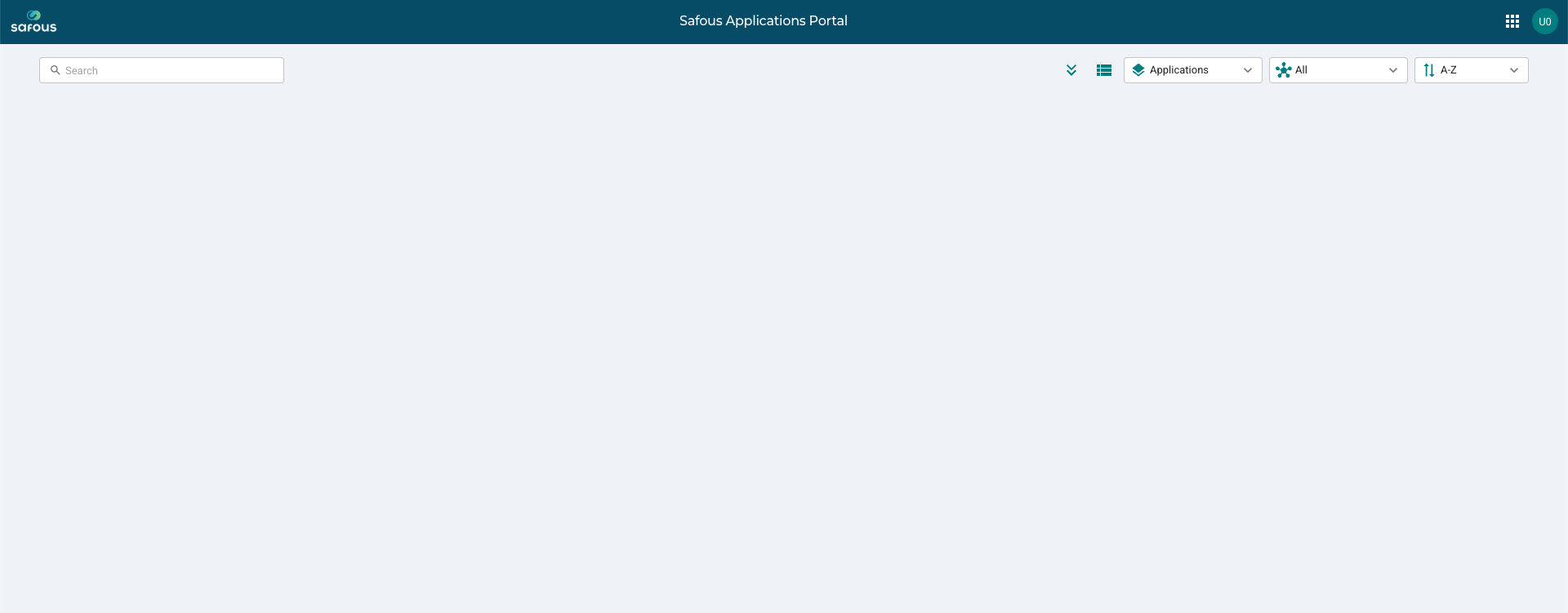
If you have not been authorized to access any applications, the Applications page will not show any available applications.
To access an application, select it from the Applications page. The system will then proceed with the access process based on the configuration and authentication requirements of that application.
The applications displayed on this page depend on the permissions and access policies configured by the administrator. Therefore, different users may see different applications on the Applications page.
If an expected application is not displayed, please contact your administrator to verify that you have been granted access.