Accessing Admin Portal
The Admin Portal in the PRA service is used only for initial installation (to get the installation token). The subsequent tenant configuration is performed through the Admin Console.
The only menu available for PRA service is Tenant menu, that consists of Users, Services, and My Account.
To log in to the Safous Admin Portal, you need the following:
- A valid contract with the Safous Service Tenant.
- User credentials and a temporary password sent to you by a Safous representative or system.
- Web browser to open the Safous Admin Portal.
- An authenticator app (usually on your smartphone).
Once you have ensured you have prepared these items, you can access the portal at https://portal.safous.com for global customer, or https://portal.safous.cn for China customer in your web browser. Then your web browser will show the following page:
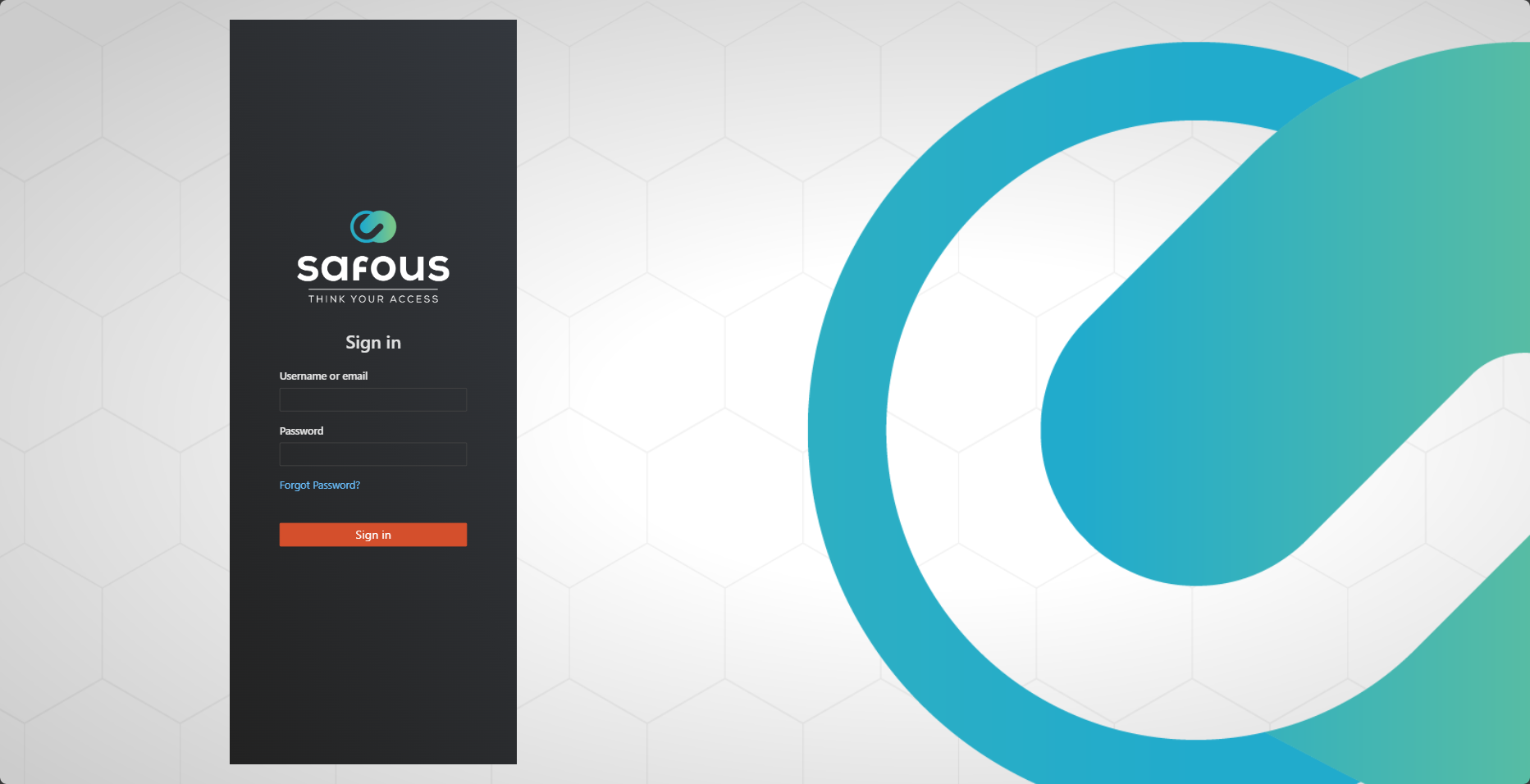
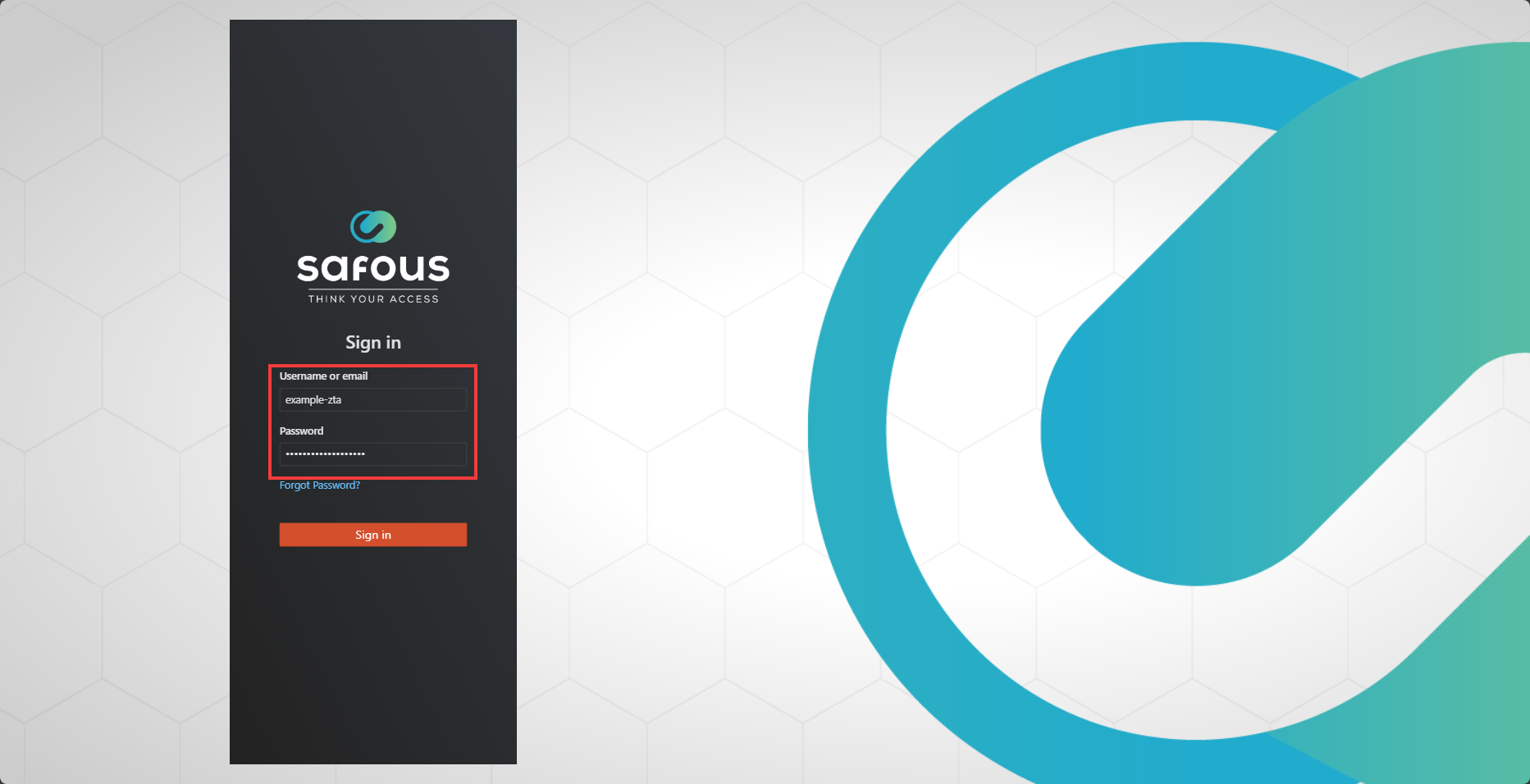
Fill the Username or email form in the portal with username you received from Safous representative or system. Also do the same for the Password form, fill with the credential you received from Safous representative or system.
If the username and credentials you entered are correct, you will be redirected to a verification page to enroll in multi-factor authentication (MFA). Scan the QR code using your favorite authenticator application, which will provide you with a time-based token to be entered.
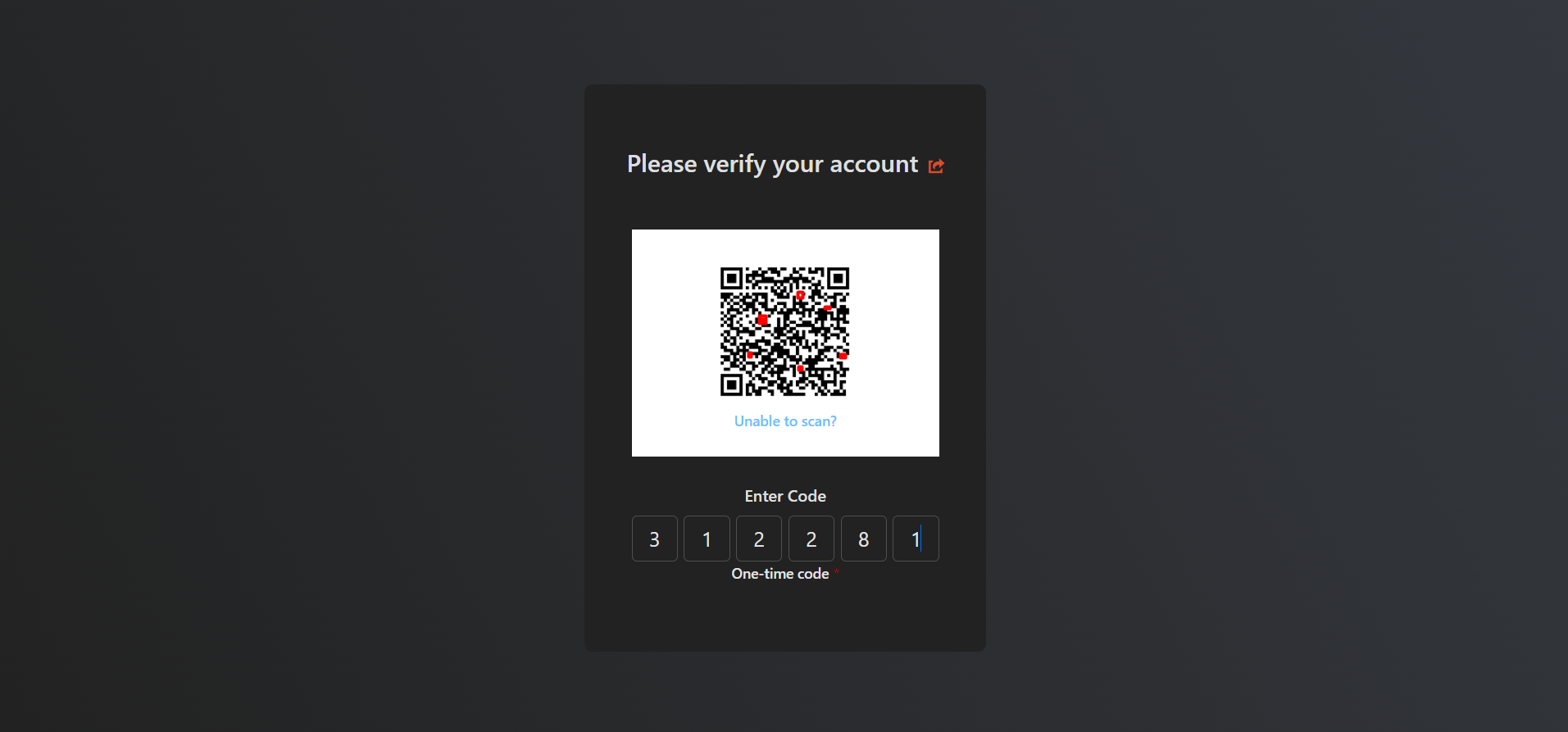
Once the authenticator app has been bound to the MFA for your account in the Safous Admin Portal, you can access the portal.