Accessing Admin Console
Open Login Page
To open the login of your tenant, please visit the following URL in your browser:
https://login.<tenant>.gw.safous.com
Replace the <tenant> placeholder with the name of your tenant
Login as Admin
Once the login page is displayed, you need to either:
- Login with the default admin user (The password is the one you entered when you installed IDAC)
- Login with a user that has admin role set
For more information regarding roles, please see the following section: Identities, Roles and Rules
Enter the username and password of an admin user mentioned above.
Complete MFA
If the authentication credential is correct, you need to verify by entering TOTP code for completing the MFA process. Enter the TOTP code obtained from authenticator, SMS, or email depending on the MFA process enrolled for that account.
Access Admin Console
Once you have successfully logging in and can access the user/application portal (e.g. https://users.<tenant>.gw.safous.com) you can click on the console application as shown below:
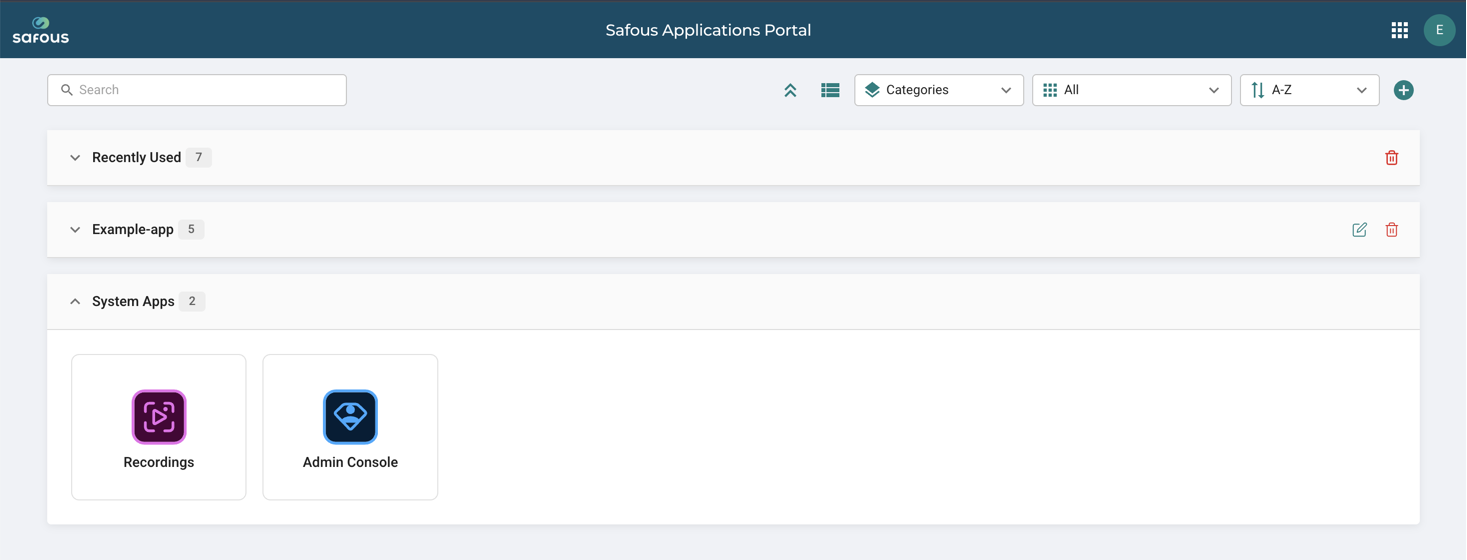
Or alternatively you can also directly go to the console URL:
https://console.<tenant>.gw.safous.com
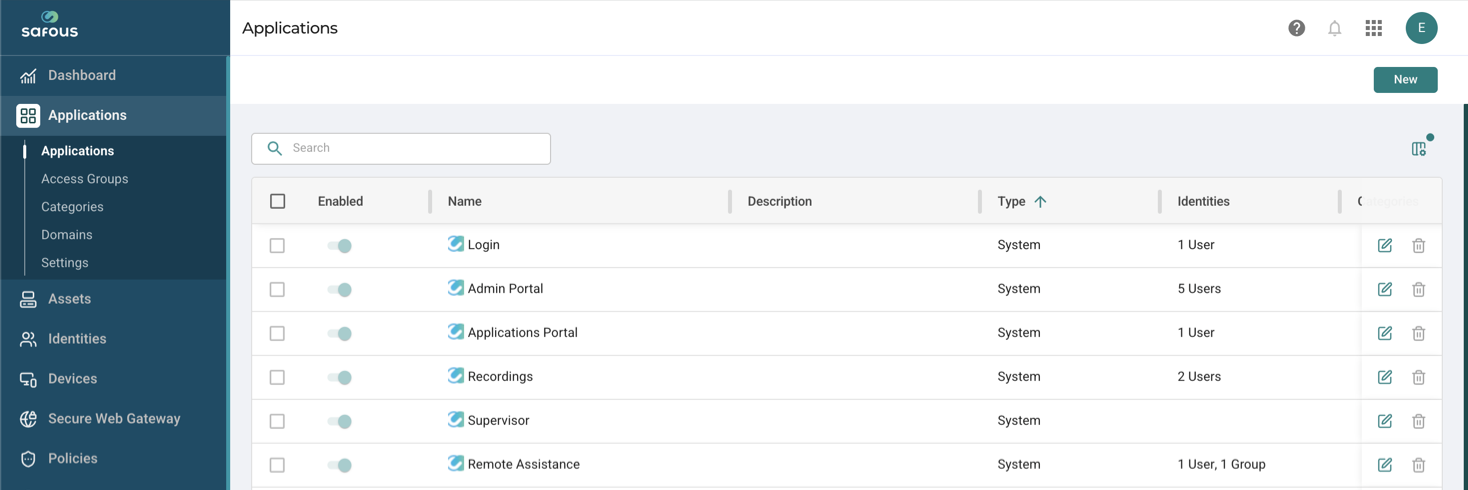
Once accessed, the admin console is shown as below: