Supervisor Portal
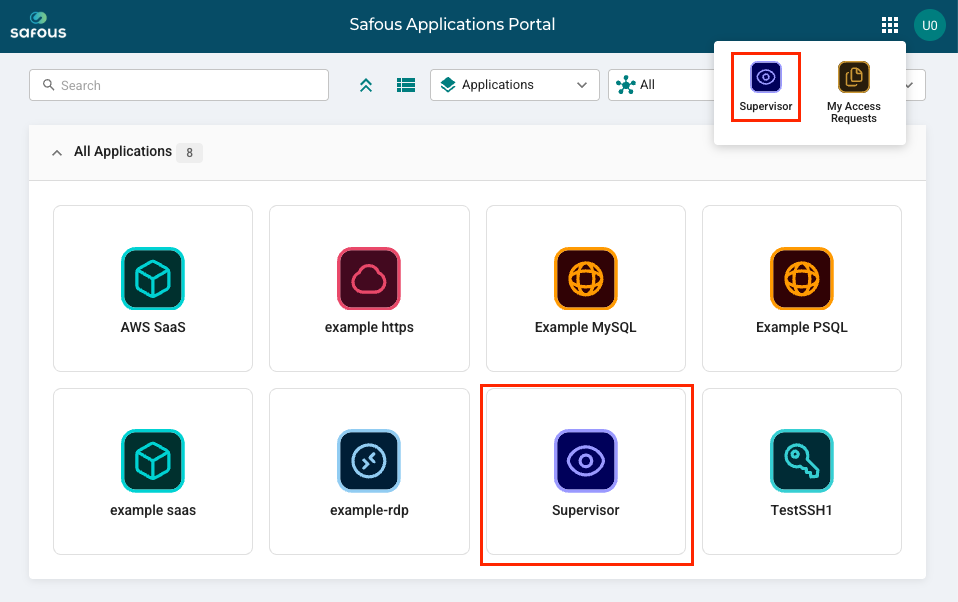
A user designated as a supervisor will have the supervisor application under System Applications when logged in to the Safous Application Portal.
-
Clicking the supervisor tile opens the Safous Supervision page.
-
The page has the following information:
-
Pending - Requests sent by end users to the supervisor are listed under this tab. Under the Access Justification header, click the green check mark to approve the user. Click the red X to deny the request.

-
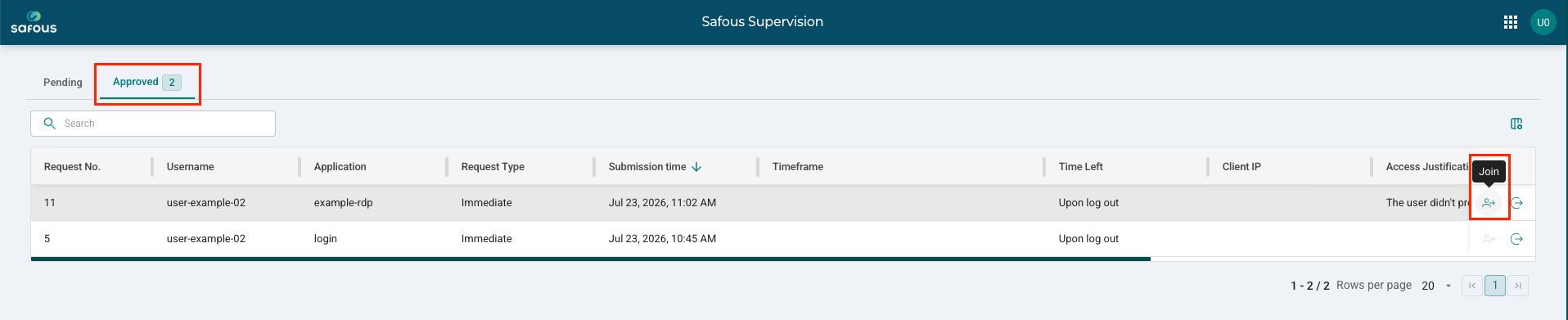
Approved - Requests that are approved are listed under this tab.

-
Approver Process
-
On the Safous Supervision page, click the Pending tab.
-
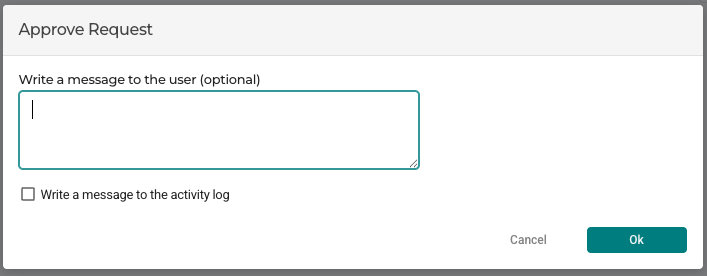
In the Approve Request window, enter a message for the user (optional) and click OK to approve the request.
Observer Process
- On the Safous Supervision page, click the Approved tab.
- On the far right side of the session to observe, click the Join icon.
- The supervisor will have a parallel view of the RDP, SSH, VNC, or TELNET session.