Enabling Supervision
Enabling Supervision in Condition Profiles
When users request access to applications, the condition and action profiles in the rule that allows them access determines the approvers and supervisors of the specific session.
- Users require approval from an approver to access the application - Enabling this option in Condition profiles on the Policies > Conditions page determines whether approval is required before accessing the application. If approval is needed, users cannot access the application unless they have permission from an approver associated with the rule granting that particular access (approvers from the application or category can be inherited by the rule).
- User must fill out the access request form before they can access the application - When this option is enabled in Conditions profiles, the user must fill out an access request form in order to access applications.
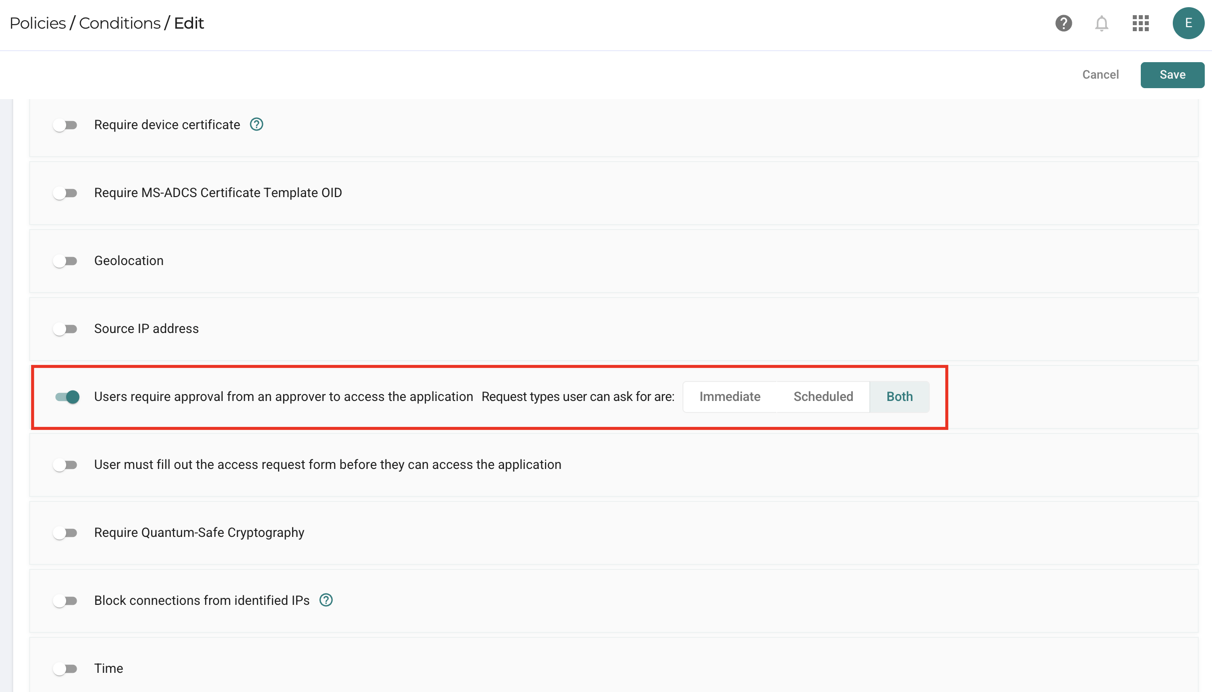
For more information on the Conditions profile, refer to the section: Policy Conditions.
Enabling Supervision in Action Profiles
- Supervisors can join the application's active sessions - Enabling this option will allow supervisors to join application sessions. The action profiles with this option enabled applied to rules can join application sessions. Only supervisors assigned to the rule are allowed to join these sessions. However, even if the action rule prohibits joining, supervisors assigned to the rule (either directly or through inheritance) can revoke access.
note
This option is available only when configuring profiles for RDP, SSH, VNC, or TELNET.
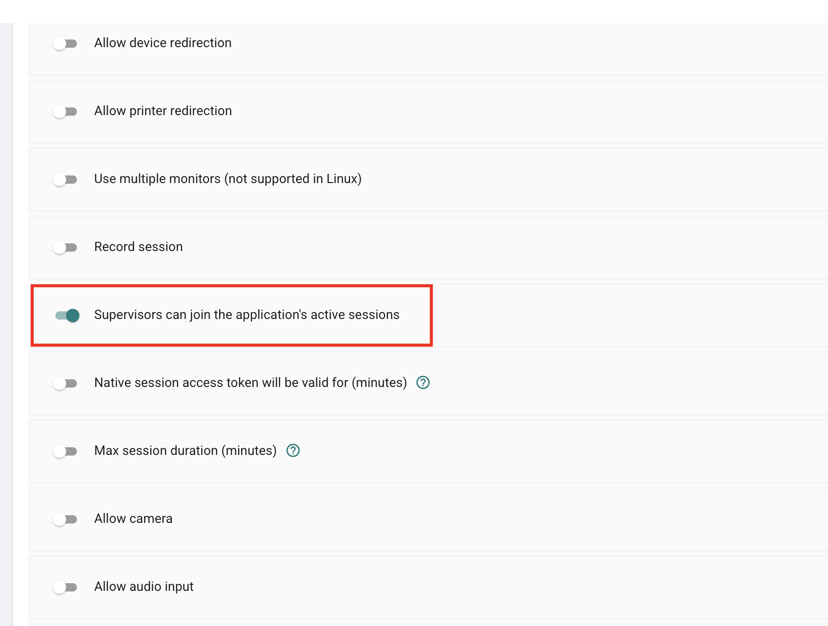
For more information on the Actions profile, refer to the section: Policy Actions.