How to Upgrade I-SRA POP
This article outlines the necessary steps to upgrade the POP for I-SRA environment. Generally, the upgrade procedure quite same with the installation of the I-SRA POP. I-SRA POP upgrade can be segmented into these procedural steps:
- Obtaining Token & Installer
- I-SRA POP Upgrade
Obtaining Token & Installer
The first procedure to do is to obtain the installation token and the installer file by conducting these steps:
-
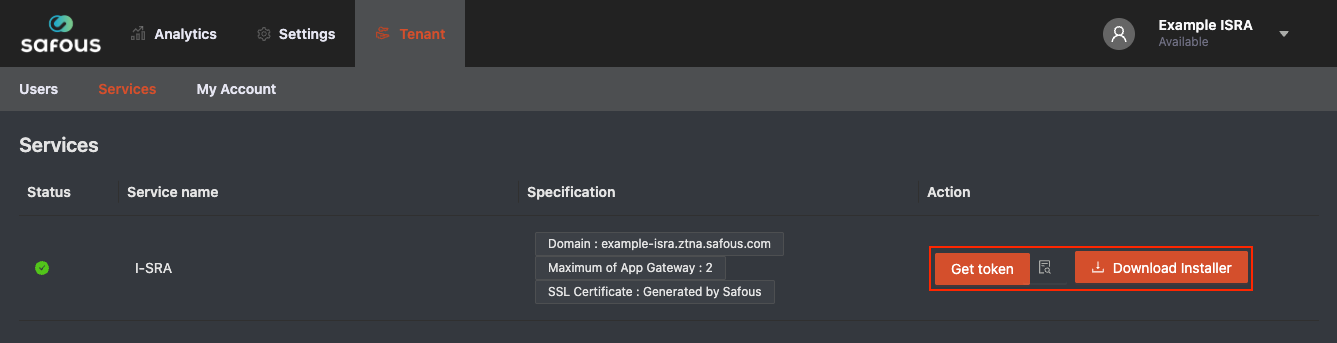
Login to Safous Admin Portal and navigate to Tenant > Services where you can find the Get Token and Download Installer button.
-
Click Download Installer button. Once you have clicked the Download Installer button, the compressed installer file will begin downloading in your browser.
-
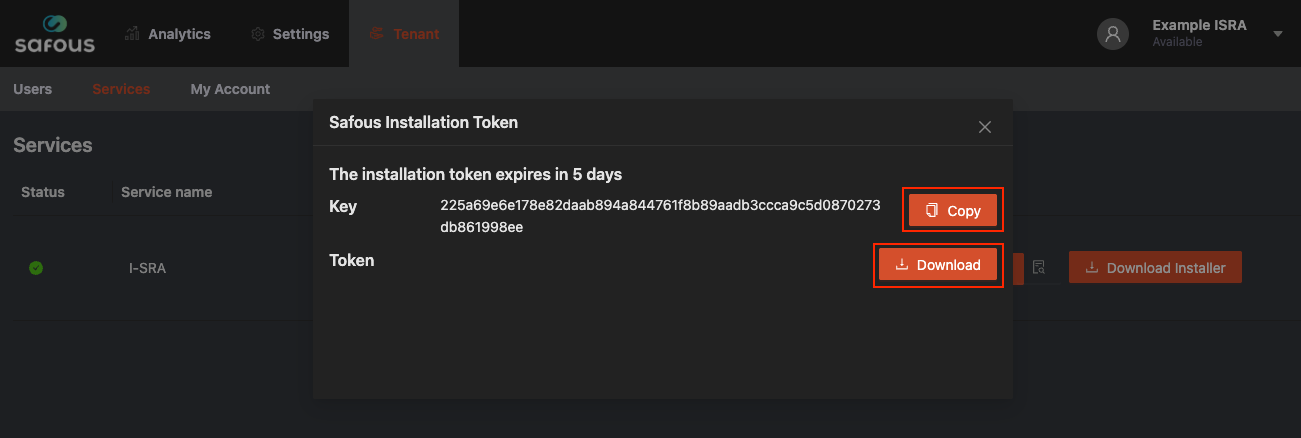
Click Get Token button. After you click the Get Token button, a pop-up window with two buttons will appear. Click Copy button and paste KEY in your notes application to be used later, then download the token by clicking the Download button.
-
Copy new installer file safous-ot.tar.gz and token file ot-token.txt to POP and App Gateway server
I-SRA POP Upgrade
Please refer to the instructions below for upgrading the POP in the Safous I-SRA environment:
-
Access existing POP Server and extract the Installer.
:~$ tar xzf safous-ot.tar.gz -
Set the environment variable 'KEY' from the Admin Portal.
:~$ KEY=(Paste KEY from Admin Portal) -
Run Installer.
:~$ cd safous-ot:~$ sudo bash ot-installer.sh -k $KEY -f ../ot-token.txt -
Input ‘Y’, since this is an existing POP and the certificate file should already exist in your POP.
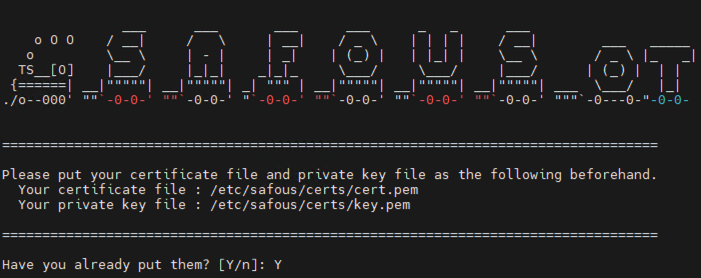
This confirmation dialog is shown when the "custom certificate" deployment option is selected.
-
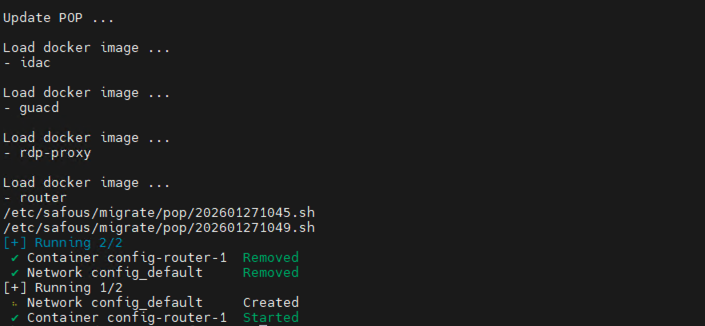
The upgrade script will automatically run and restart the POP container after the process is complete.
-
After the POP upgrade is complete, verify the running containers. There should be three containers running: router, service-gateway, and repo.
:~$ sudo docker ps